
Where do I find the published namespace/file history?
This feature is only available with the PRO CDN type.
Published namespace backups are automatic snapshots created each time a namespace is published (manually or automatically). These backups allow you to restore previous versions of your translations and are retained for 30 days.
How to access published namespace backups
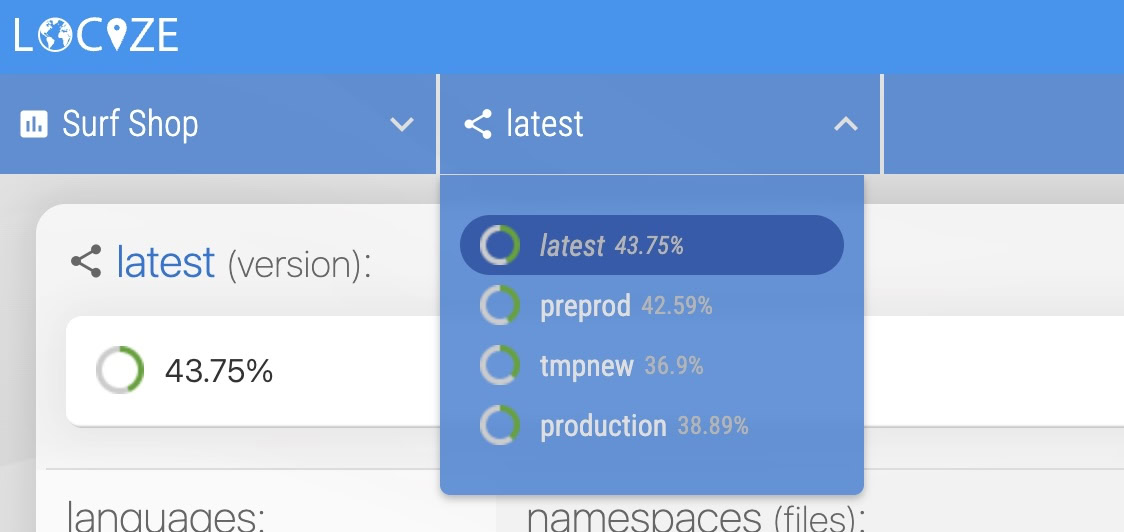
- Select your desired version:
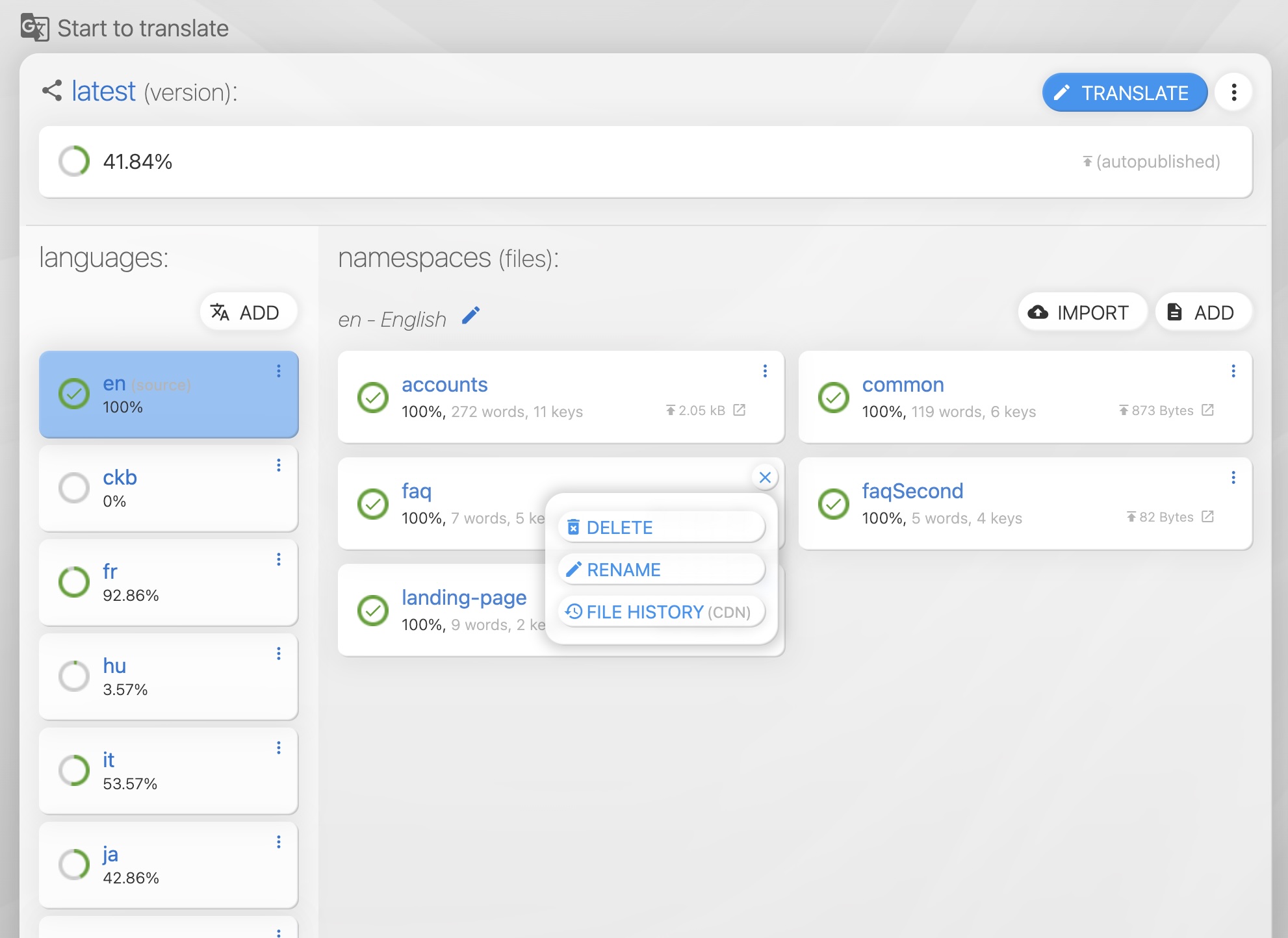
- Select your desired language and namespace: On your desired language, click the "FILE HISTORY (CDN)" menu item on your desired namespace:
- Select your desired namespace history version: Inspect the versions, by opening the url, or directly downloading a particular history version.
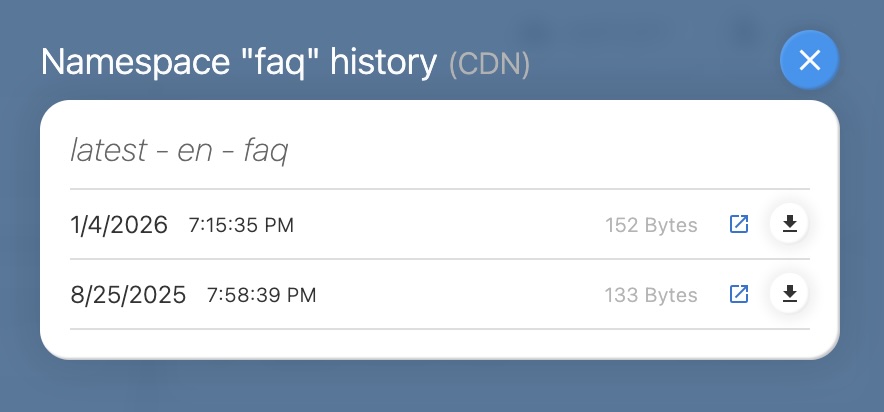
Only previous/old namespace versions are listed as backups. The current version of the published translations can be found by clicking "Show me the publish / CDN details".