
JavaScript localization:
A step-by-step introductory guide
The process of converting your JavaScript code to multiple languages during the internationalization of your project. I18N means designing software so it can handle multiple locales, languages, or regions.
There are a lot of possibilities out there, but we aim to cover the most practical approaches — from using an i18n library to automating translation work with a translation management platform.
This step-by-step guide helps you start your software localization project based on a JavaScript environment.

Prepare your app
Locize can be used with any i18n framework (or even with no i18n framework at all, e.g. via a simple script approach).
Below we continue with i18next as i18n framework. If you're curious why we suggest i18next, have a look at this page.
To have multiple languages on your website or application with i18next, first install the dependencies. You can use the npm package, or load UMD/ESM/CJS builds from a CDN.
# npm
$ npm install i18next --save
# yarn
$ yarn add i18next
This example gives a quick overview of how localization in JavaScript can work and what functions are available in i18next. For production apps, follow the framework-specific integrations (React, Vue, Angular, Next.js, …).
import i18next from 'i18next';
i18next.init({
lng: 'en',
debug: true,
resources: {
en: {
translation: {
'key': 'hello world'
}
}
}
}, (err, t) => {
// initialized and ready to go!
document.getElementById('output').innerHTML = i18next.t('key');
});
Check out the i18next getting started guide.
Then use i18next-locize-backend as your i18next backend.
import i18next from 'i18next';
import Backend from 'i18next-locize-backend';
i18next
.use(Backend)
.init({
// ...other options
backend: {
projectId: '[PROJECT_ID]',
apiKey: '[API_KEY]',
referenceLng: '[LNG]'
}
});
Choose your framework
For famous JavaScript frameworks, Locize is easy to integrate through the JavaScript localization library i18next.
- React: react-i18next and our React tutorial.
- Angular: angular-i18next and our Angular tutorial.
- Vue: i18next-vue and our Vue tutorial.
- More frameworks: supported frameworks.
- Non-i18next approaches: other options.
Checklist best practices
These questions help you decide on the best setup to internationalize with JavaScript.
- For which JavaScript environment are you looking for an i18n solution?
- Do you need a language detector for your environment?
- Do you want to bundle the translations with your app?
- Do you want to load the translations separate from your app via HTTP?
- Do you want to manage your translations with a translation management system?
There is also a more detailed guide for first setup help directly at i18next (covers more than just JavaScript): supported frameworks guide.
Step-by-step code implementation (the manual way)
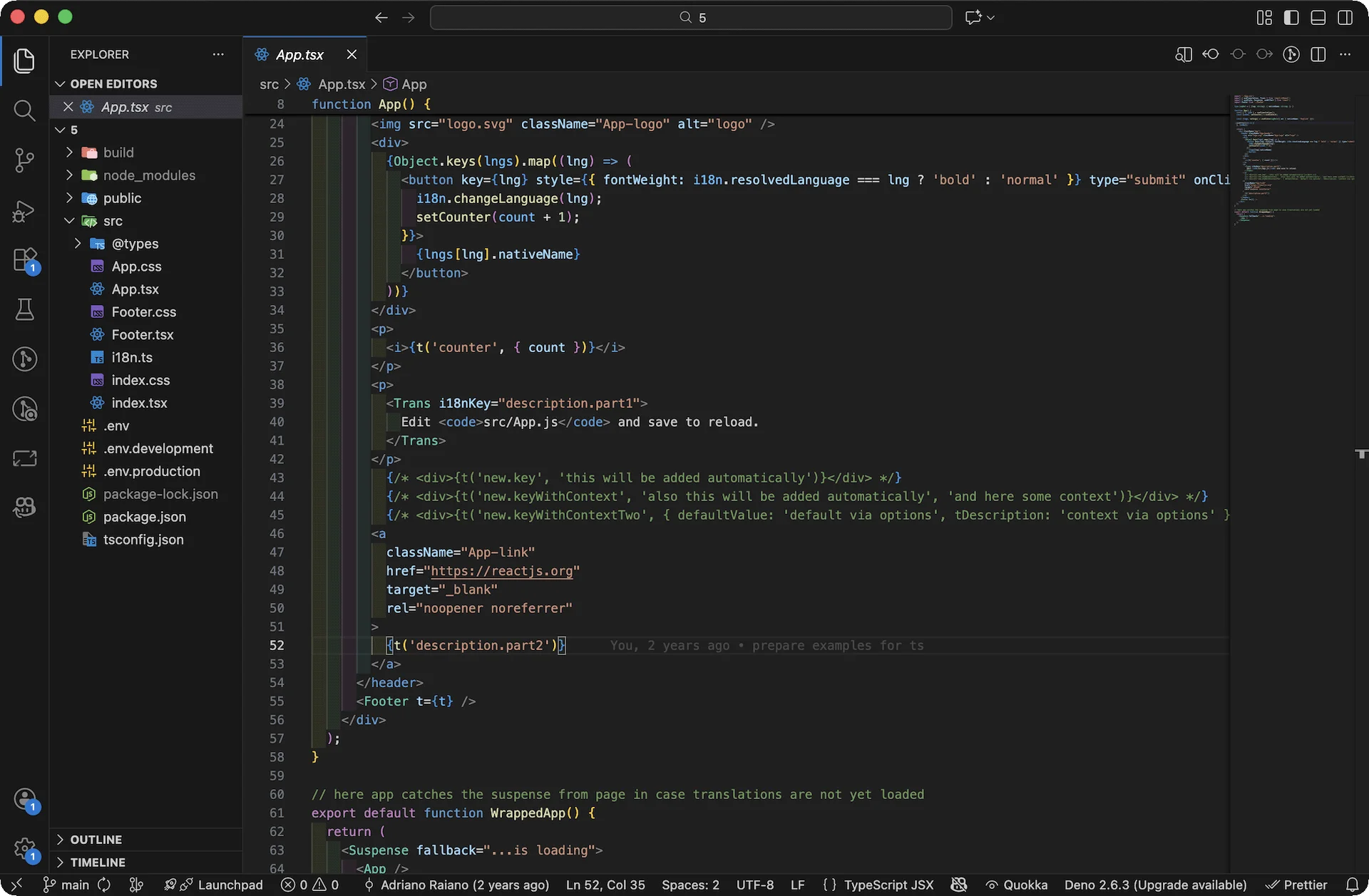
This checklist is based on implementing multiple languages for a sample React app.
For a more detailed walkthrough, see our tutorial: How to properly internationalize a React application using i18next.
- Install i18next and the appropriate framework package
- Install the browser language-detector
- Prepare the i18next configuration
- Translate content with hook / HOC / render prop
- Create a language switcher
- Add translations for other languages
- Use pluralization and interpolation
- Handle date & time formatting with interpolation
- Use context for gender-specific translations
- Separate translations from code (e.g. with i18next-locize-backend)
But there is more… For extensive projects, using just a library can be too inefficient.
Take a minute and read about automating this process below.
Automate translation work (the smart way)
Use the full power of i18next together with Locize to automate parts of the translation workflow.
Use the full power of the i18next library together with Locize, a localization management platform by the founders of i18next.
Register for free and unlock everything for a 14 day trial.
The machine / generative AI translation feature enables every new content to get automatically translated into all other defined target languages.
Learn more about AI translation options.
Frequently asked questions
Internationalization (i18n) prepares your JavaScript app to support multiple languages/locales. Localization (l10n) is about adapting content (texts, graphics, etc.) for a specific language/region.
Choose an i18n framework (like i18next), instrument your code with translation keys, and follow the checklist in this guide.
i18n is the process of preparing a software product for multiple markets by adding support for languages, locales and regional differences. Learn more in our guide: what is i18n.
Pick your JavaScript framework, install i18next, initialize it, then translate UI strings via t(). For website-focused tips, read website localization.
- Rich features (namespaces, interpolation, language detection plugins, …)
- Maturity (battle-tested across many use cases)
- Extensibility (works across React, Vue, Angular, Next.js, jQuery, and more)