
How it works
Use Locize in a way that matches your team: from classic file workflows to fully automated continuous localization. See it applied to website localization, software localization, and the JavaScript stack.






















File-Based Management
For teams who prefer manual control over their translation assets.
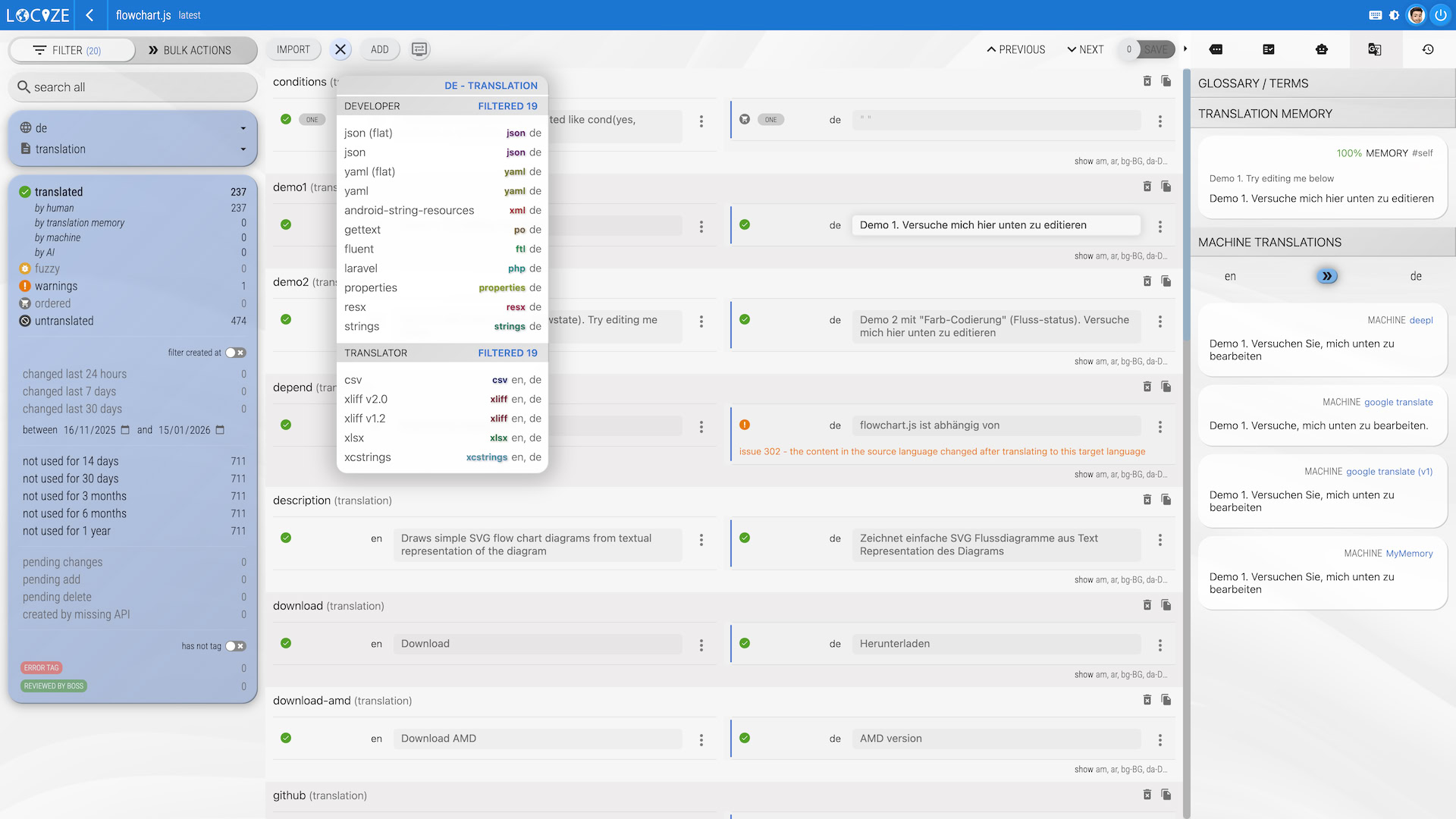
Classic Import / Export
Work with the formats you know. Upload your JSON, XLIFF, or Gettext files, manage them in our high-productivity editor, and export them back to your repository.
The Benefit: Total manual control with the power of Locize's Smart Translation Memory and AI-assisted suggestions.
Learn more about the supported formats.
Automated Pipelines
Sync your localization with your CI/CD or Git workflow.
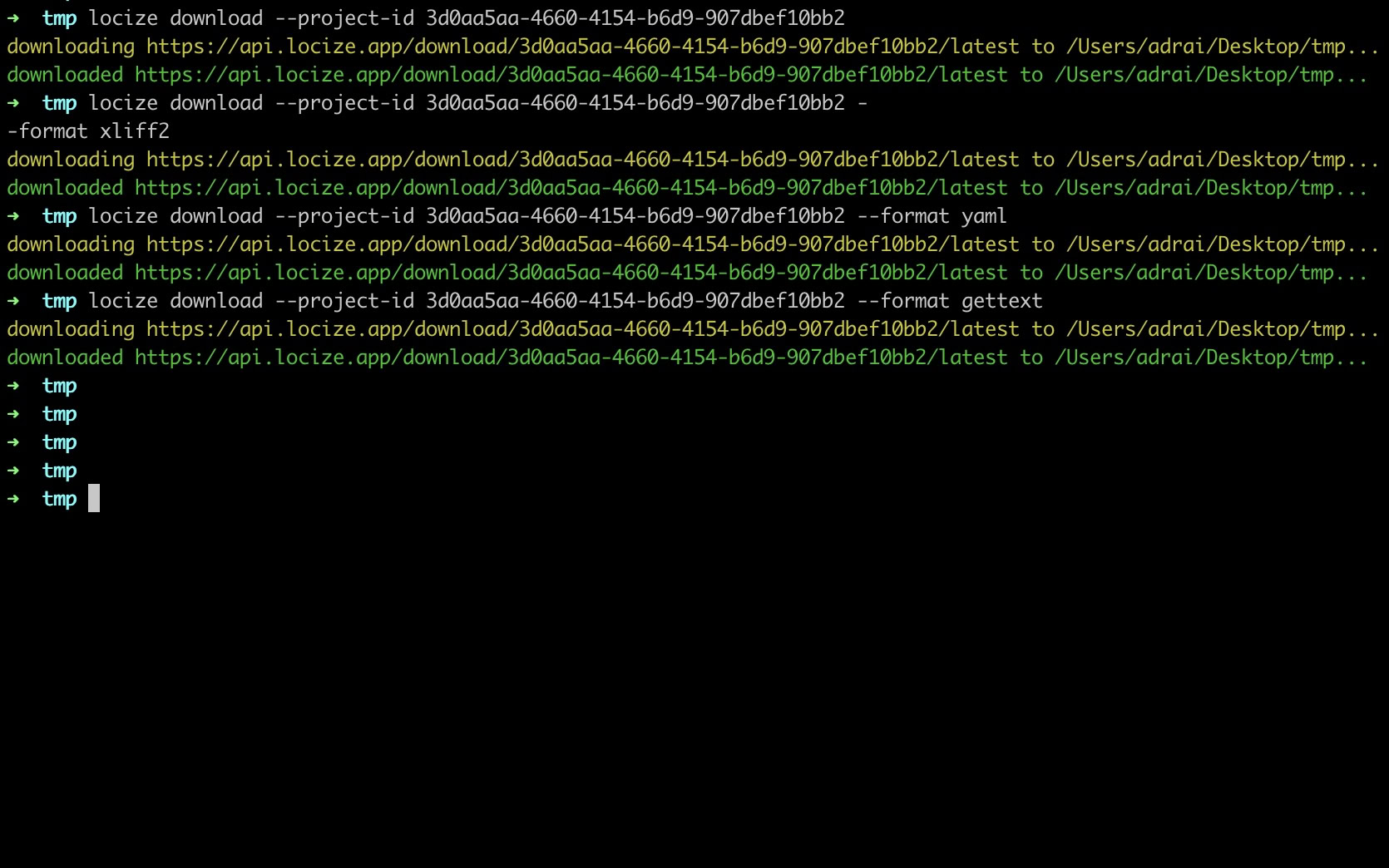
CLI, API, and GitHub Actions
Remove the "human middleman." Use our API, CLI Sync tool, Download Action, or Sync Action to keep translations in sync and download the latest files every time you build.
The Benefit: Your codebase and translations are always in sync without a developer ever having to manually download a file again.
Continuous Localization
The "Hands-Off" approach for maximum speed.

Live Sync via CDN
The zero-deployment setup: translations go live via CDN without code changes. Your app connects directly to the Locize CDN.
- Auto-Discovery: New text in your code is automatically added to Locize.
- Instant Publishing: Translators save a change, and it's live in your app instantly.
- Zero Deployments: Update copy, fix typos, or add languages without a single line of code change.
- Usage Tracking: Detect unused keys and stop maintaining translations nobody sees.
See the full power in this video sample for react.js. Learn more about the integration options using i18next or other i18n frameworks below.
Translation CI/CD
Translation branches work like code branches.
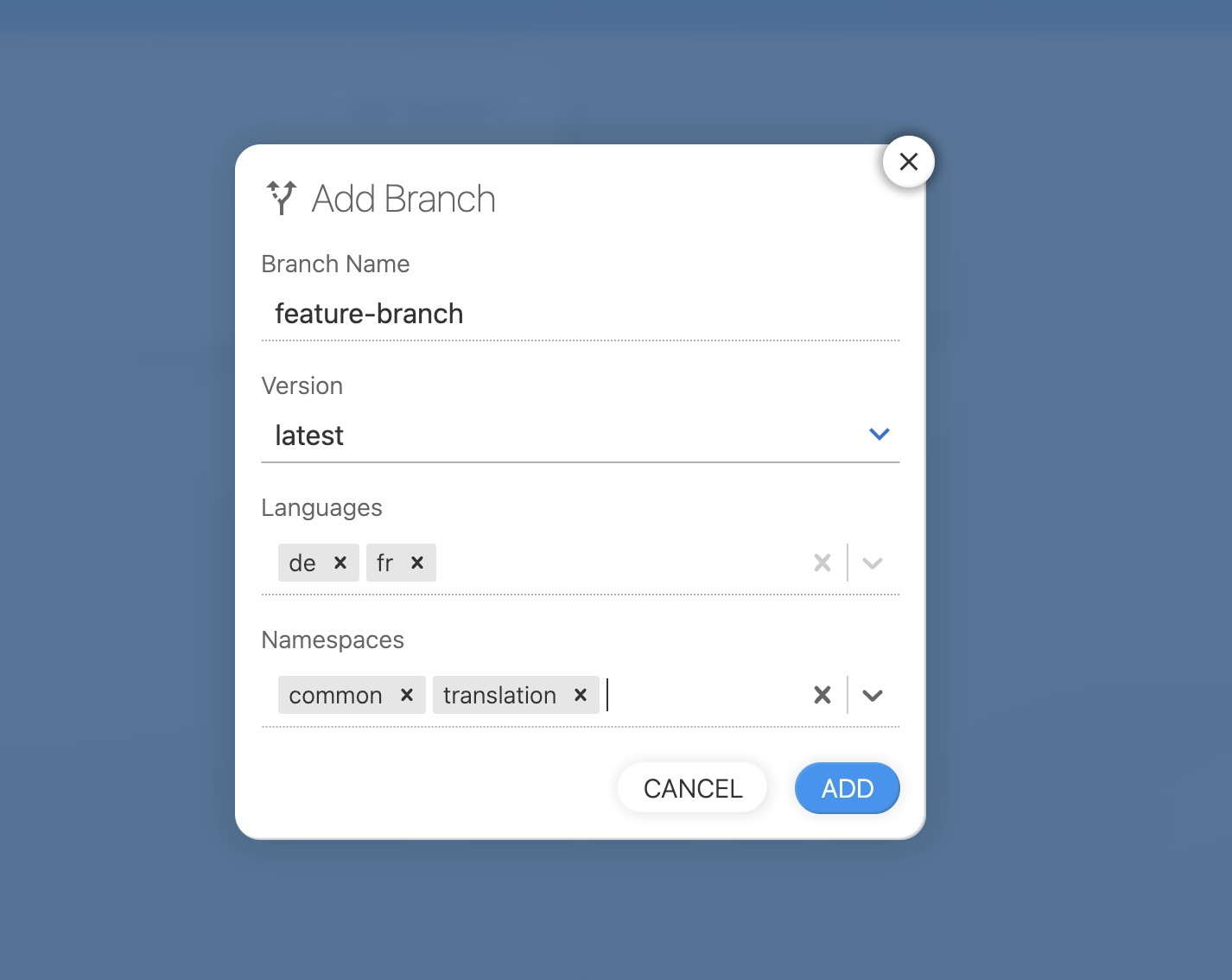
Branches that mirror your dev workflow
Create a translation branch when you open a feature branch. Translate new strings in isolation. Merge translations when the feature ships. Your translators and your codebase stay in sync, with no surprises at release time.
Test translations in staging without affecting production. When the feature is ready, merge the translation branch just like you merge code. Designed for teams using GitFlow, feature branches, or any workflow where translations need to be isolated until a release is ready.
There is an integration option for everyone
Integrations for every stack: i18next, locizify, CLI/API, and file-based workflows.

- Add one script tag and your site is translatable
- No developer needed, suitable for content teams and marketers
- Plurals, interpolation, and URL-based namespace routing built in
- Built on a virtual-DOM implementation on top of i18next
- Works with WordPress, Shopify, and other site builders
- In-context editing included: translate directly on your live page

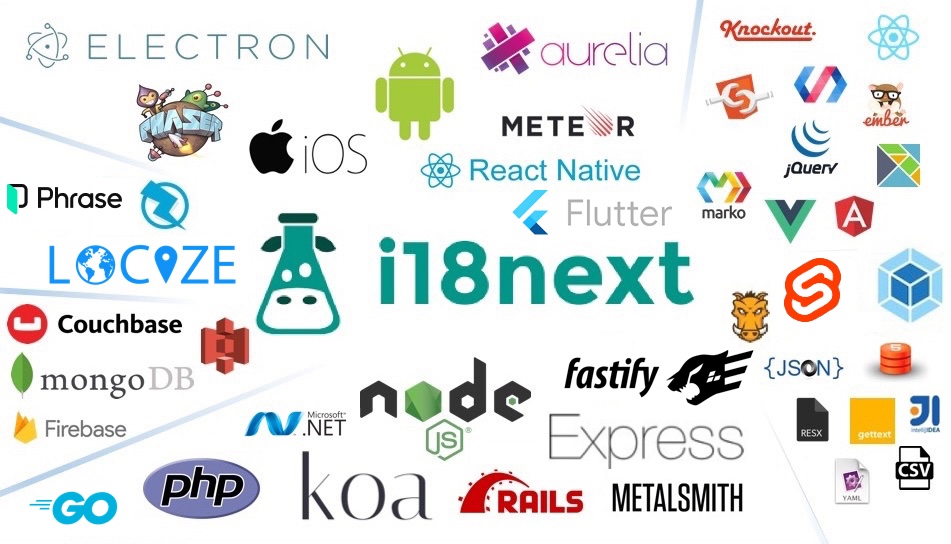
- Suitable for all UI Frameworks: React, Angular, Vue, jQuery, Next.js, and more
- Minimal programming skills required
- Flexible translations options like plurals, interpolation, context, …
- Based on open source i18n framework i18next
- Usable on web, mobile and desktop and server
- Using with frameworks like react-intl, vue-i18n, svelte-i18n, and more
- We provide you with a script to simplify loading translations to your javascript client
- Optimal for solutions based on formats like xliff, mo, po, android xml, …
- Using our API, CLI or GitHub Actions you can build anything you could think of
The Continuous Localization Loop
Locize turns localization into a background process that never blocks your team.
Extract
Your code (i18next) detects new text and sends it to Locize automatically.
Translate
Translators or AI refine the content in our high-context editor.
Review
Managers approve changes via built-in review workflows.
Deliver
Updated strings are served via CDN, live to your users instantly.
Need some help getting started?
Get any questions you may have about integrating Locize answered by one of our team members.