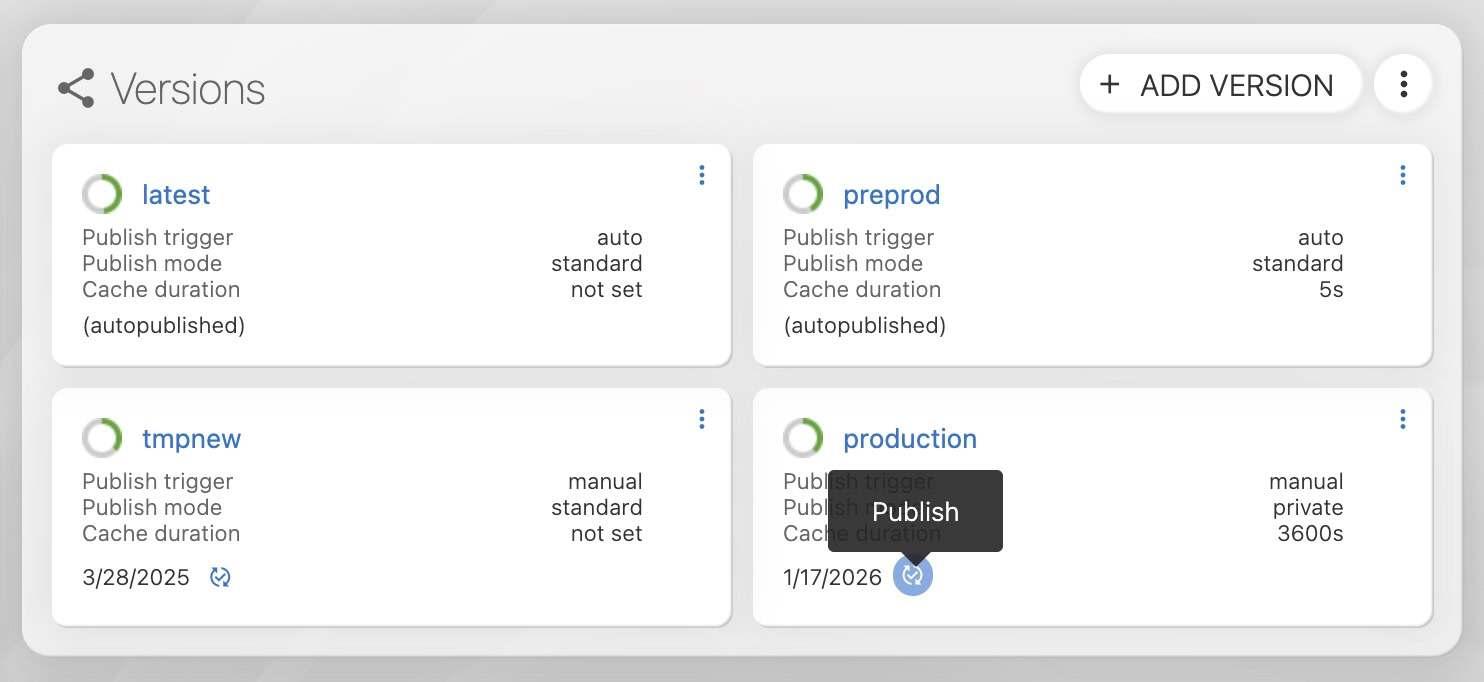
How to manually publish a specific version?
Manually publishing a specific version in Locize allows you to control exactly which set of translations is made available via the CDN. This is useful when you want to stage changes, coordinate releases, or ensure only reviewed translations are published.
Steps to manually publish a version
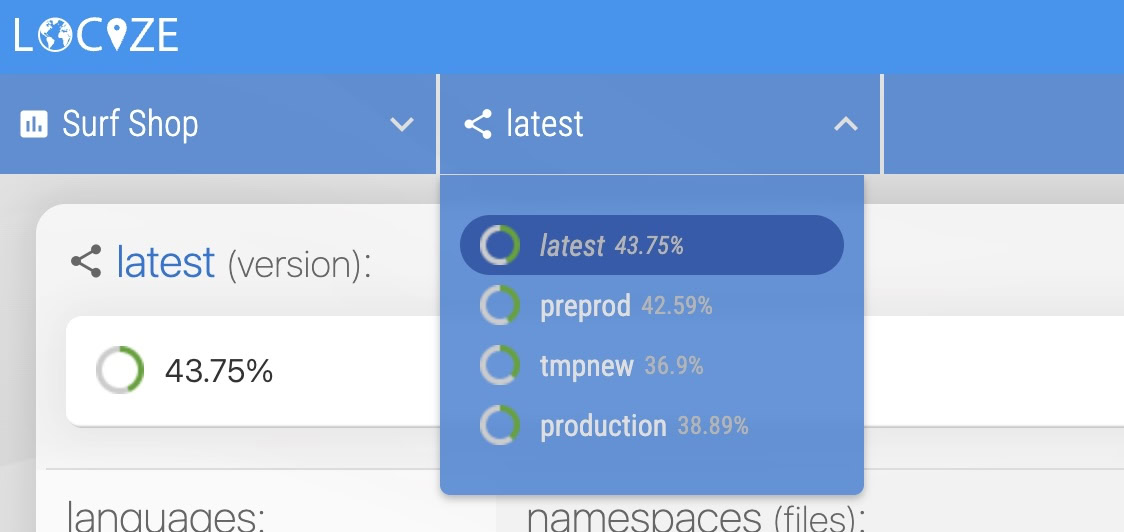
- Select your desired version:
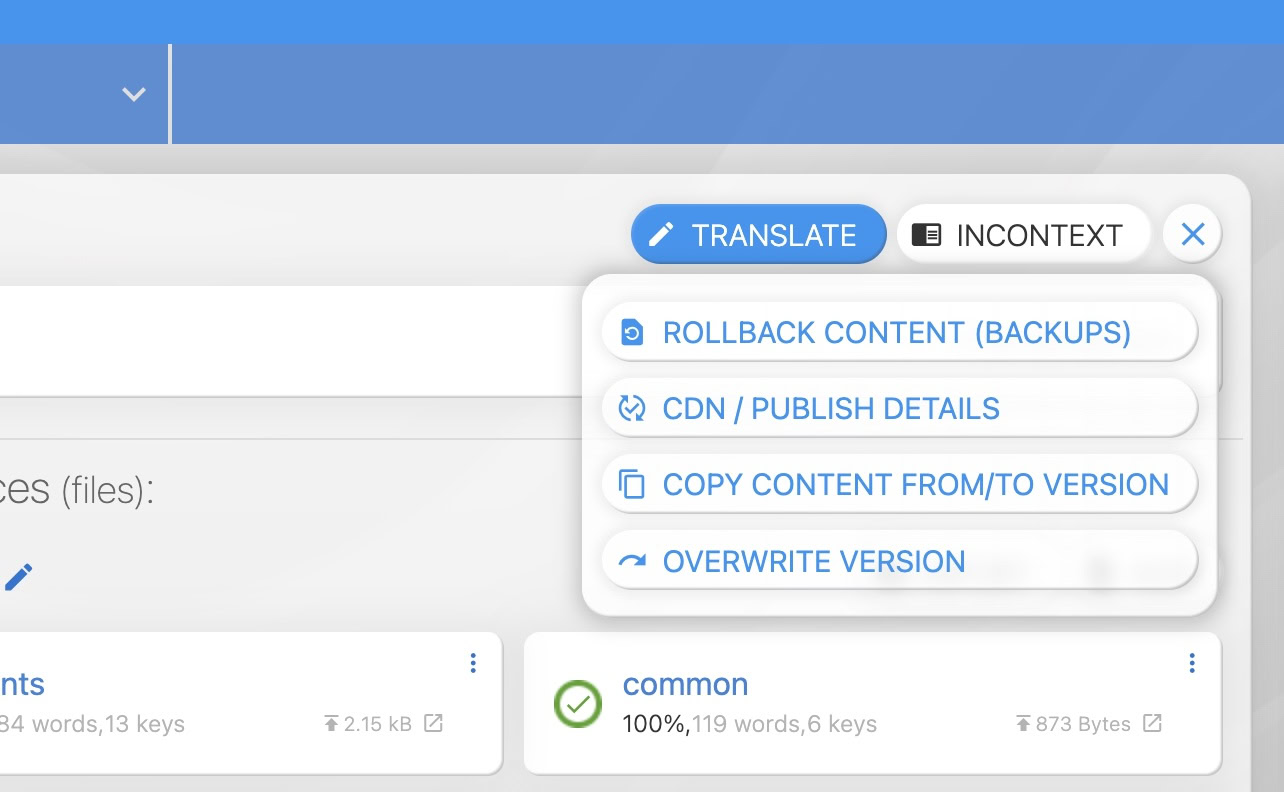
- Open the publish details: Click on "CDN / PUBLISH DETAILS":
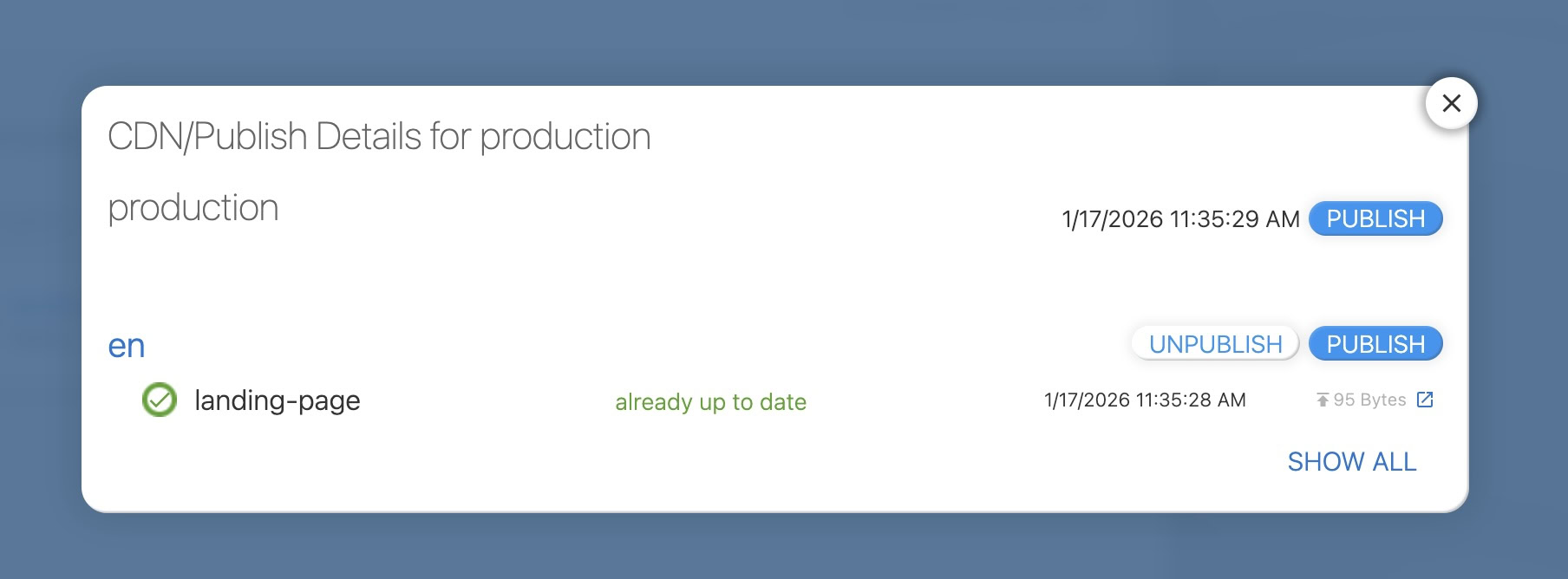
- Publish the version: In the details view, you'll find a button to publish that version:
Alternatively, you can also publish a version from the project's settings: