
Should I use versions or branches?
Both versions and branches help you separate translation work, but they solve different problems.
TL;DR
- Use versions when you want long-lived “release lanes” (e.g.,
productionvsnext, orv1vsv2) inside the same project. - Use branches when you want a short-lived, isolated workspace (e.g., a feature branch, a translation job for an agency) that can be merged back.
Versions
Versions live inside the same Locize project (same project ID), so they are not fully isolated.
Typical use cases:
- Deployment stages (staging vs production)
- Product/app releases (v1 vs v2)
- Long-running parallel development
Versions are usually stable and long-lived, and you typically don’t create/delete them every day.
Branches
Branches behave like separate projects (own project ID, own API keys) but they inherit the translation resources from their parent project.
This is useful when you want:
- A safe, isolated place to work
- A clear view of what is overridden vs what comes from the parent
- To invite external people (e.g., translators/agencies) without risking changes in the parent project
Branches typically match code repository branches or dedicated translation jobs. For translator workflows, see: Working with translators.
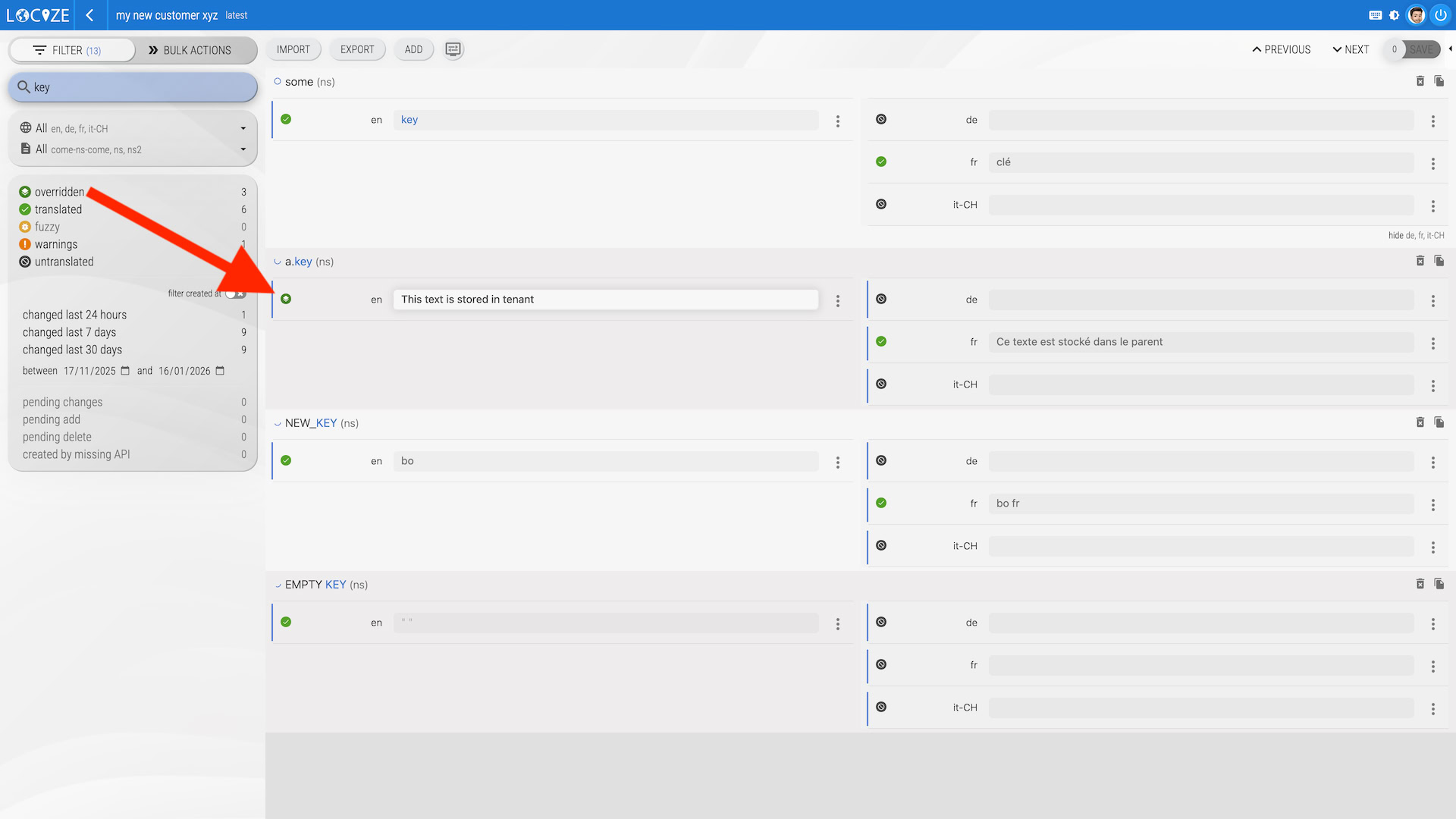
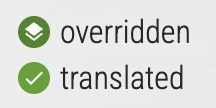
Overridden values are marked with the state icon overridden and can be filtered by that state:
How overrides work
Overridden values are marked with the “overridden” state icon and can be filtered by that state.
When you publish translations to our CDN (or export using the UI, CLI, or API), the effective result is:
- Parent translations
- plus any values overridden in the branch
You can also use the CLI branching features to create, sync and merge branches.
Deleting keys in a branch
A branch cannot physically remove a key that lives in the parent. Deleting a key in a branch (in the editor, via the API or with locize sync) stores a delete marker in the branch instead: the key disappears from the branch (editor, exports and CDN), while the parent keeps it until the branch is merged.
Merging a branch
There are two ways to merge a branch, and they treat deletions differently:
- Merge back (button on the branch page in the UI) copies the branch content into the editor of the parent and stages the differences as unsaved changes for review. In the default mode this only adds and updates keys. Switch the dialog to expert mode and enable the option to delete segments that are not part of the copy to stage the deletions as well.
locize merge-branchin the CLI (or themerge_branchtool of the MCP server) merges server-side and applies added, changed and deleted keys in one step. With--delete truethe branch is removed afterwards.
How to access translations from the CDN
Branches have their own settings (project ID and API keys). To load translations from the CDN for a branch, use the branch project ID from the branch’s settings.
A new branch takes over the publish settings (auto publish) of the version it is created from. If that version is in manual publish mode, nothing is on the branch CDN until you publish it or enable auto publish for the branch version. This also matters for locize sync, which compares your files with the published content of the branch (or use --unpublished true).
What about pricing?
Branches are free as long as you don’t exceed the number of words compared to the parent project.
For usage-based projects, normal modification costs apply for the changes that are merged back into the parent (fixed plans include modifications).