
Glossary
A glossary is a powerful tool for ensuring consistent and high-quality translations. It is a lexicon that contains terminology to be used (or avoided) in translations, helping translators use the terms preferred by your organization and avoid forbidden words or phrases.
Glossaries are especially useful for:
- Maintaining brand voice and terminology
- Avoiding mistranslations of key terms
- Speeding up the translation process by providing clear guidance
glossary/lexica part of showcase/demo
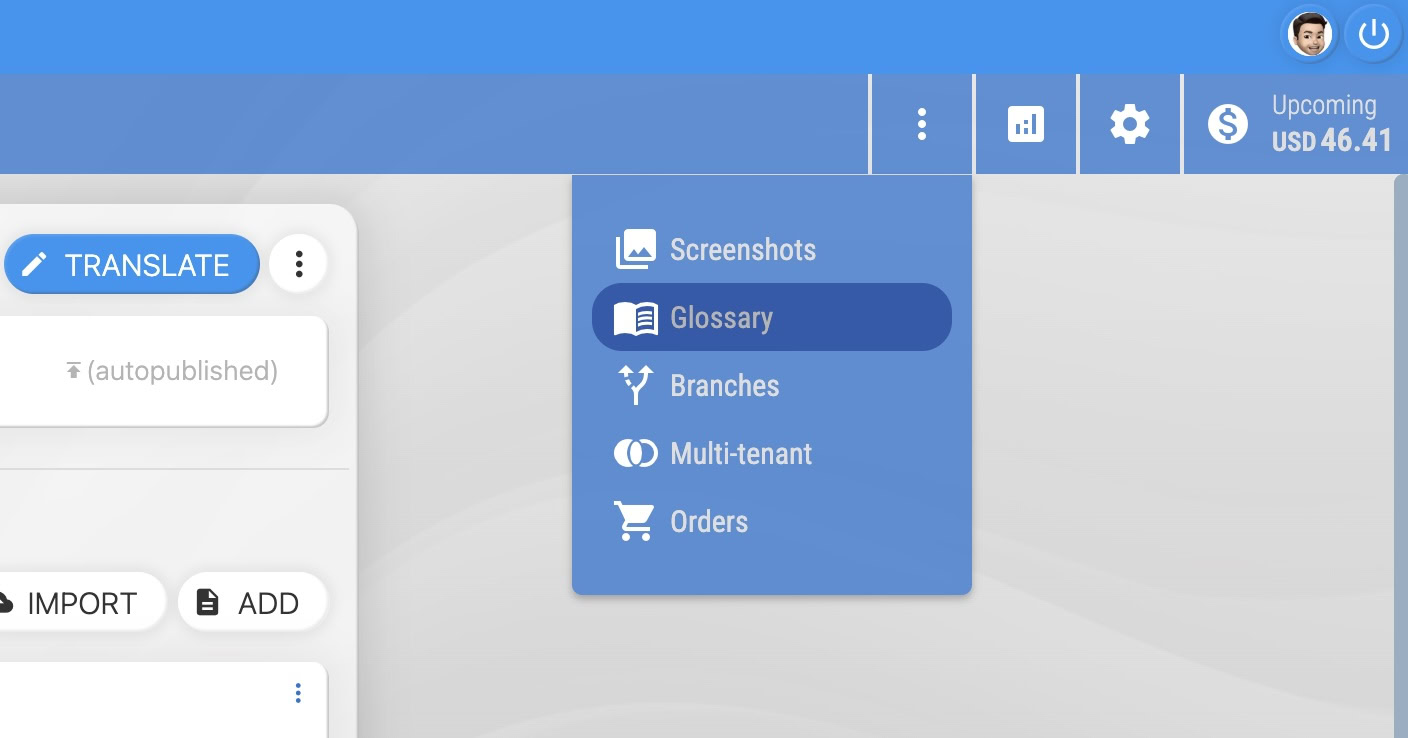
Enabling the glossary feature
You can enable the glossary in your Locize project to provide terminology support for your translators. There are two main ways to add glossary terms:
- Import a glossary file: Locize supports both
tbxandutxglossary file formats for easy import.
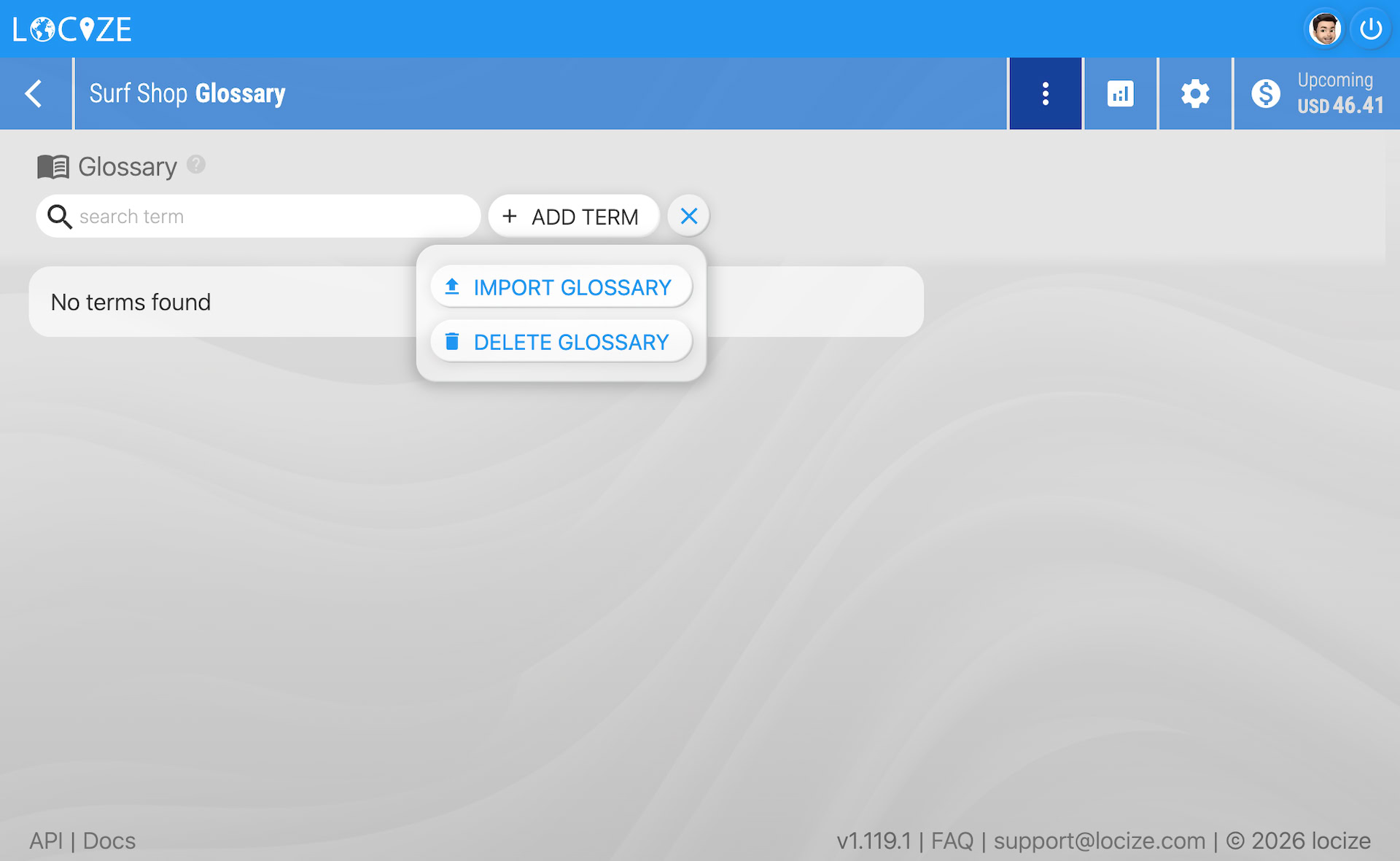
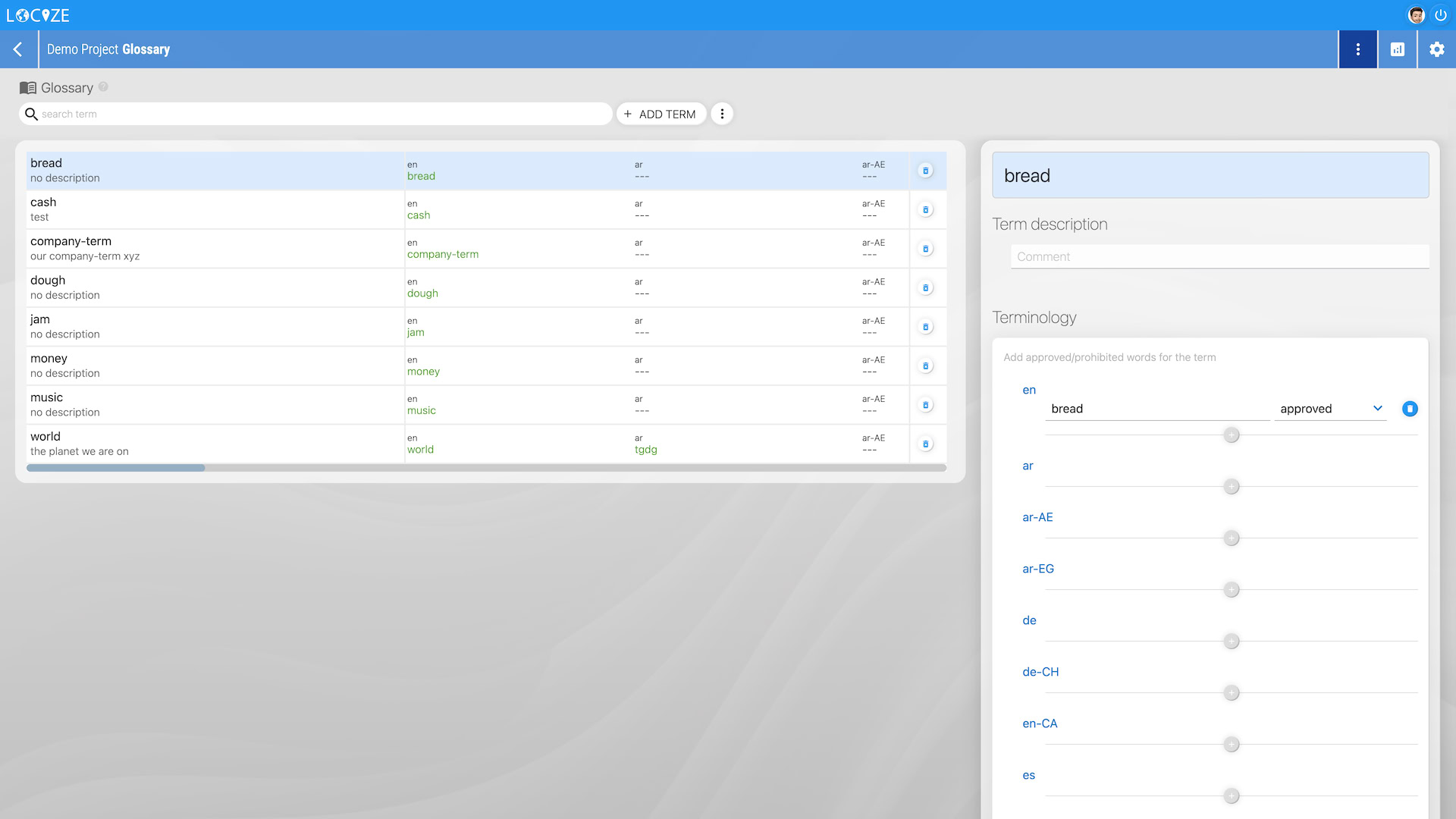
- Manually add and define terms: You can also add terms directly in the UI and define their preferred or forbidden usage.
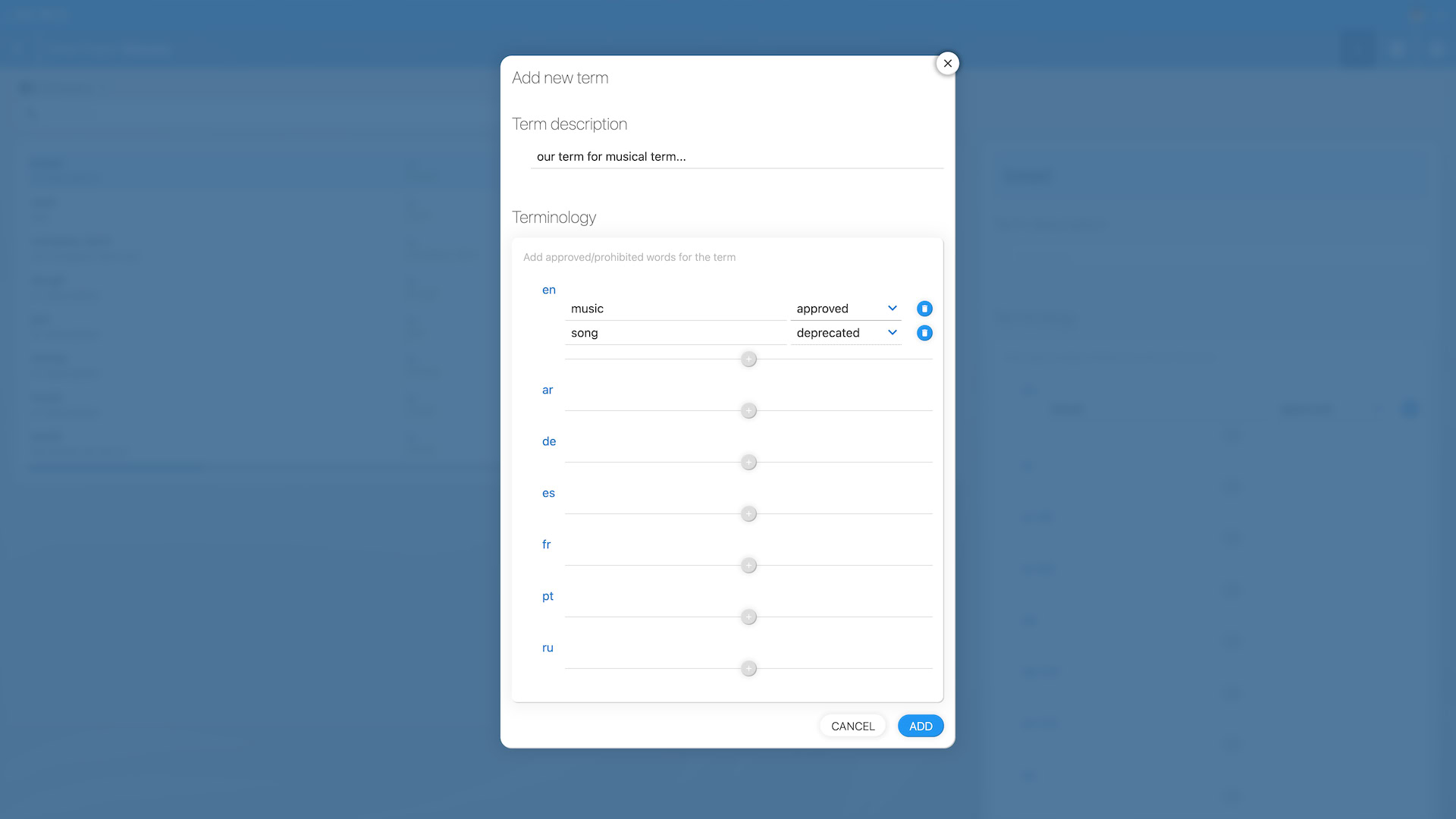
Suggested terms
Not sure what belongs in your glossary? Locize can mine your existing translations and suggest terms for you. Open your project's glossary and click Scan for terms: it looks for recurring terms across your keys and lists them, with the ones that are currently translated inconsistently across keys shown first (those are exactly what a glossary fixes).
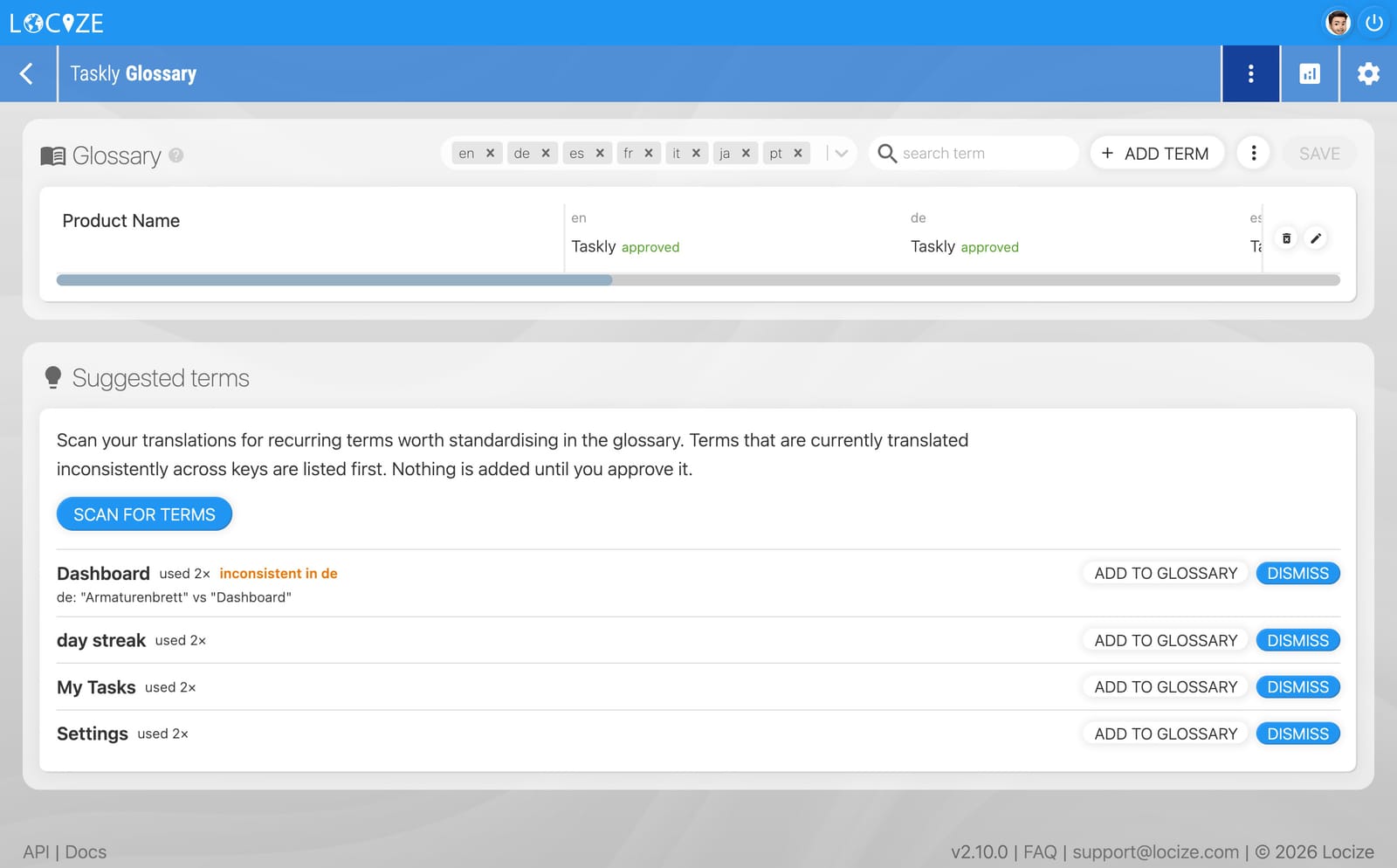
Nothing is added automatically. Review each candidate and click Add to glossary to keep the ones you want (pre-filled with the translations already used in your project), or Dismiss the rest. Scanning and seeing the suggestions works on any plan; adding terms to the glossary requires a plan that includes the glossary feature.
Using the glossary
Once enabled, the glossary integrates directly into the CAT / Translation Editor. For every segment, you will see terminology suggestions based on the source text (suggested terms) and your translation (approved usage or alternatives):
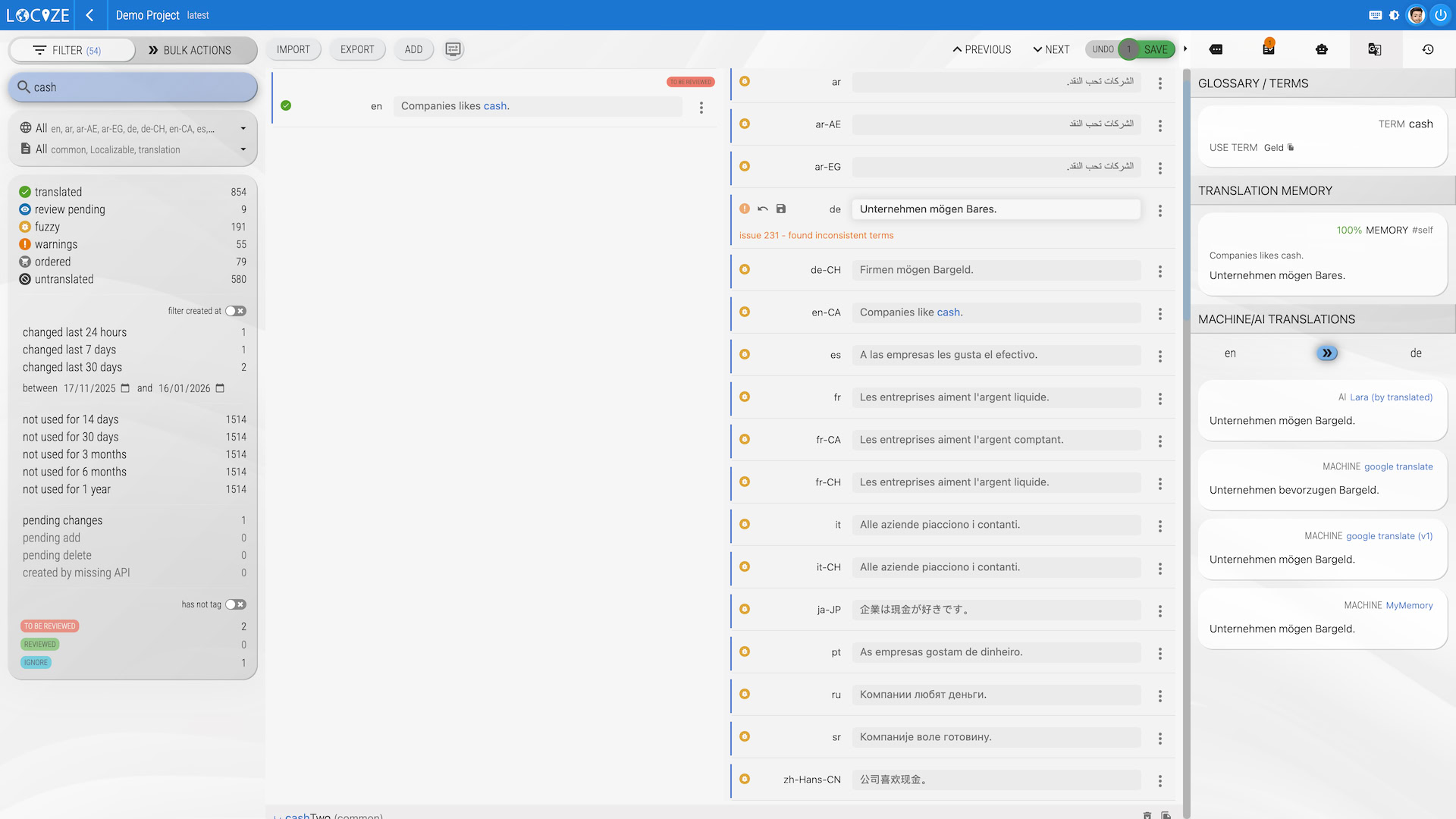
The terms are checked automatically every time you update a translation. If a forbidden term is used, Issue 230 will be raised to alert you and your team.
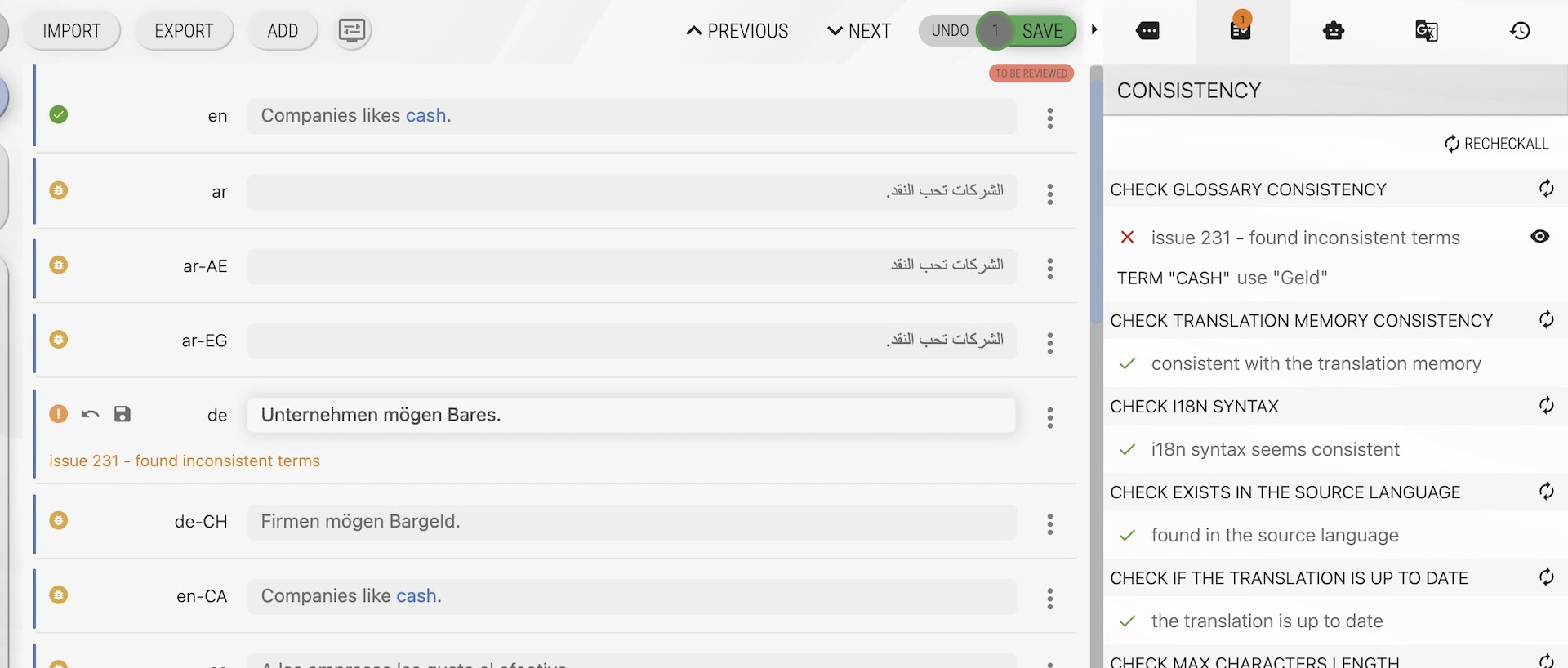
Glossaries help ensure your translations are always on-brand and consistent across all languages and projects.
For tone, formality, and usage rules, see the Styleguide.