
How to change credit card or billing information or download the invoices?
Payment details and invoices live on your organization:
-
Open your organization (from your profile page, from the dashboard, or from any project's settings) and go to its Billing tab.
-
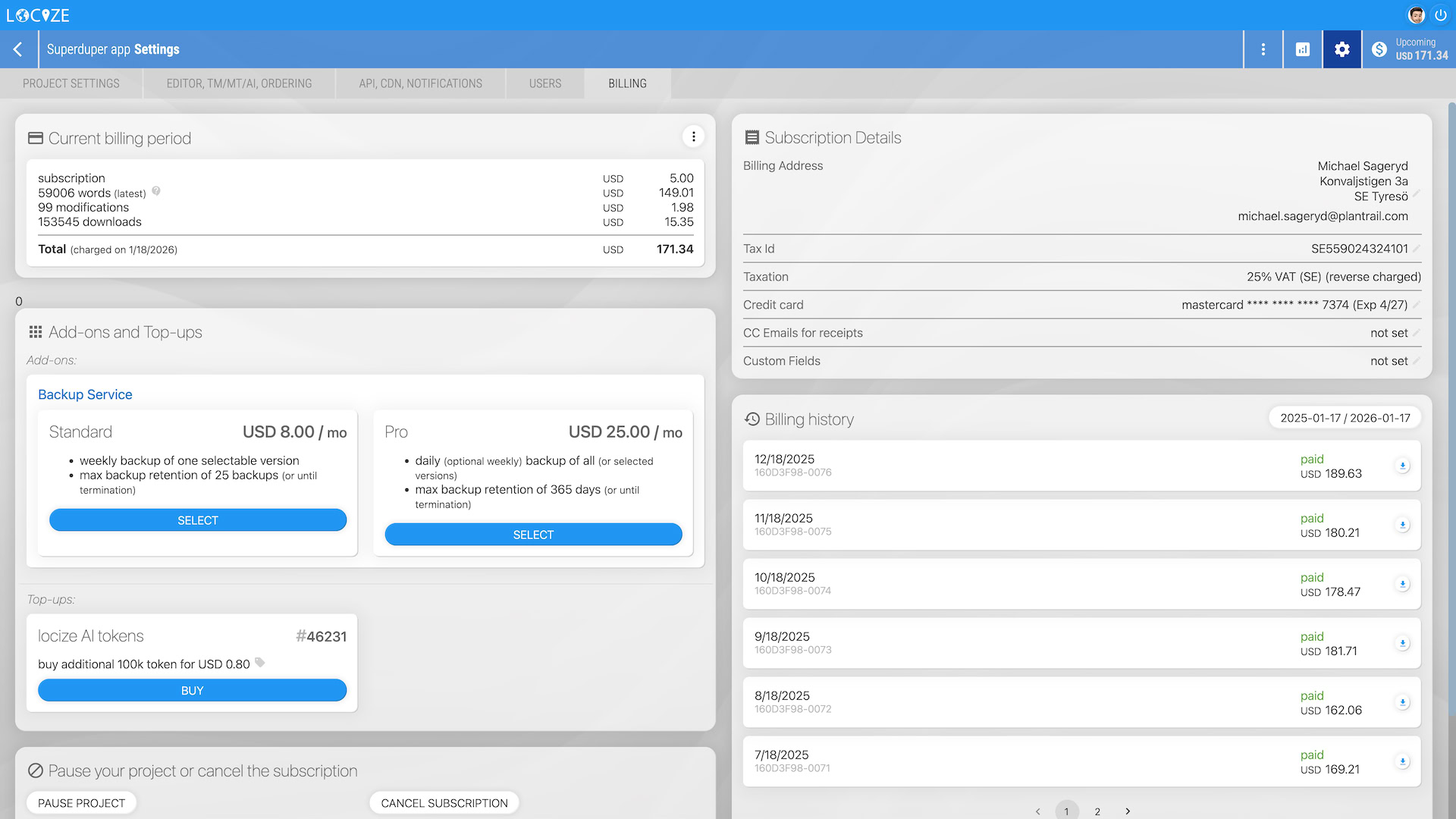
Click the relevant info in the "Subscription Details" card:
-
Here you can:
- Change the credit card
- Update other billing information
- Add custom invoice fields (for example a purchase order number)
- Download your invoices/receipts
Note: Projects that have not been moved to an organization yet still carry these settings on the project's own billing page.
Permissions Required
Note: You need admin or accountant permissions on the organization to access its billing. If you don’t see your organization, ask one of its admins to add you as accountant (billing only) or admin.
Custom Invoice Fields
On the Billing tab you can define up to two custom invoice fields. Each field has a label you choose and a value of up to 30 characters. Typical uses are a purchase order (PO) number, a cost centre or an internal reference required by your finance department.
The fields are stored with your billing profile, so they appear on every invoice and receipt issued from then on, including the PDF you download, no matter whether you pay by credit card or by bank transfer.
Note: If you buy through a procurement process, the procurement page answers the other questions finance teams usually ask, such as paying by bank transfer instead of credit card and completing vendor onboarding forms.
Tax Information
Advice for companies in certain jurisdictions (e.g., some EU countries): If you enter your tax ID/number, you’ll be eligible for reverse charging. The tax on invoices/receipts will be marked as reverse charged and not included in the total cost.