
How to delete or rename a namespace?
Namespaces are essential for organizing your translations, allowing you to group related keys for better clarity and management. Occasionally, you may need to delete an unused namespace or rename one to maintain consistency. Here’s how you can manage namespaces in Locize:
Steps to delete or rename a namespace
- Open your project dashboard.
- If your project has multiple versions, ensure you have selected the correct version.
- Locate the namespace you want to manage.
- Click the dropdown menu for the specific namespace:
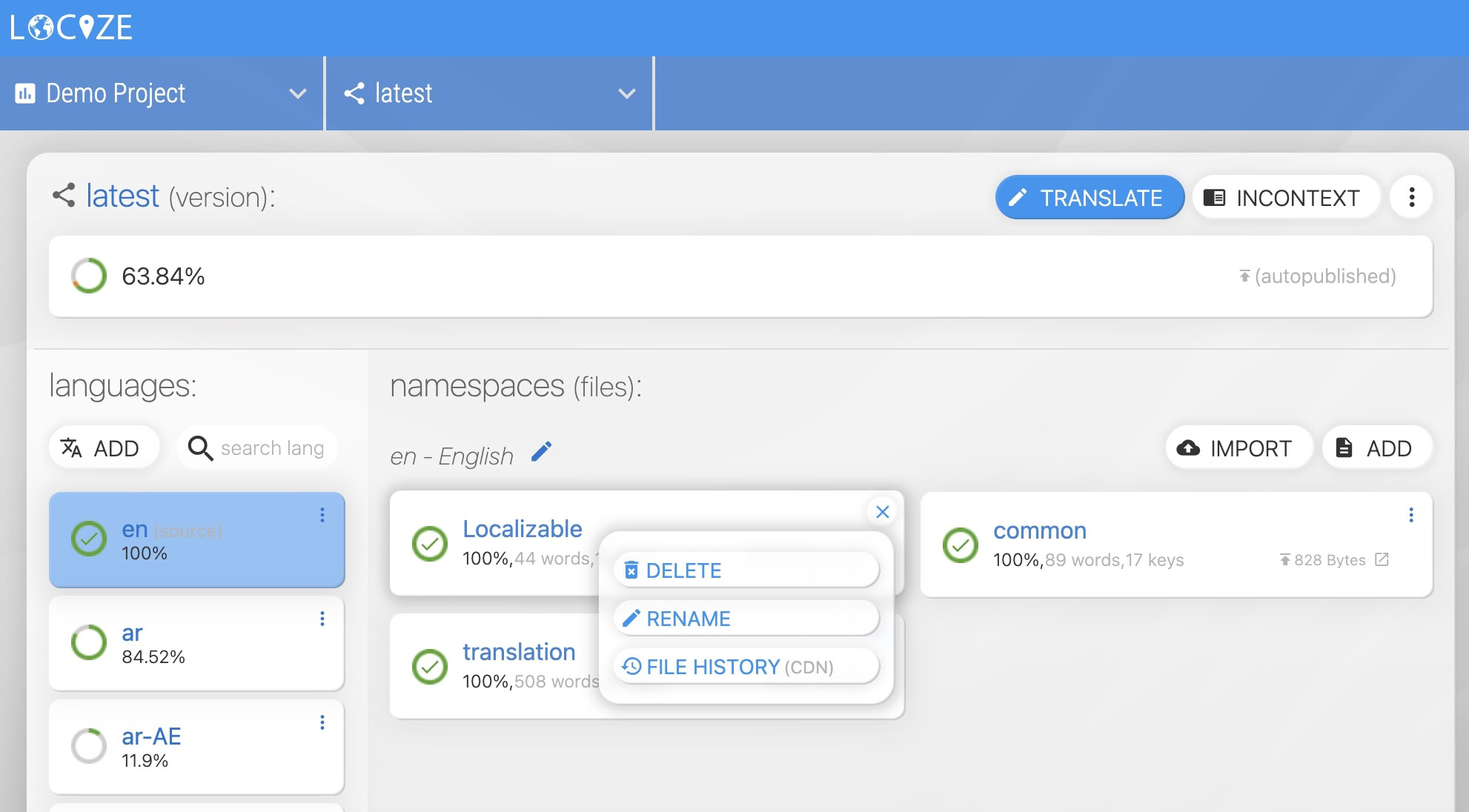
- Click the dropdown menu for the specific namespace:
- Choose your action.
- Select either DELETE or RENAME, then confirm your choice:
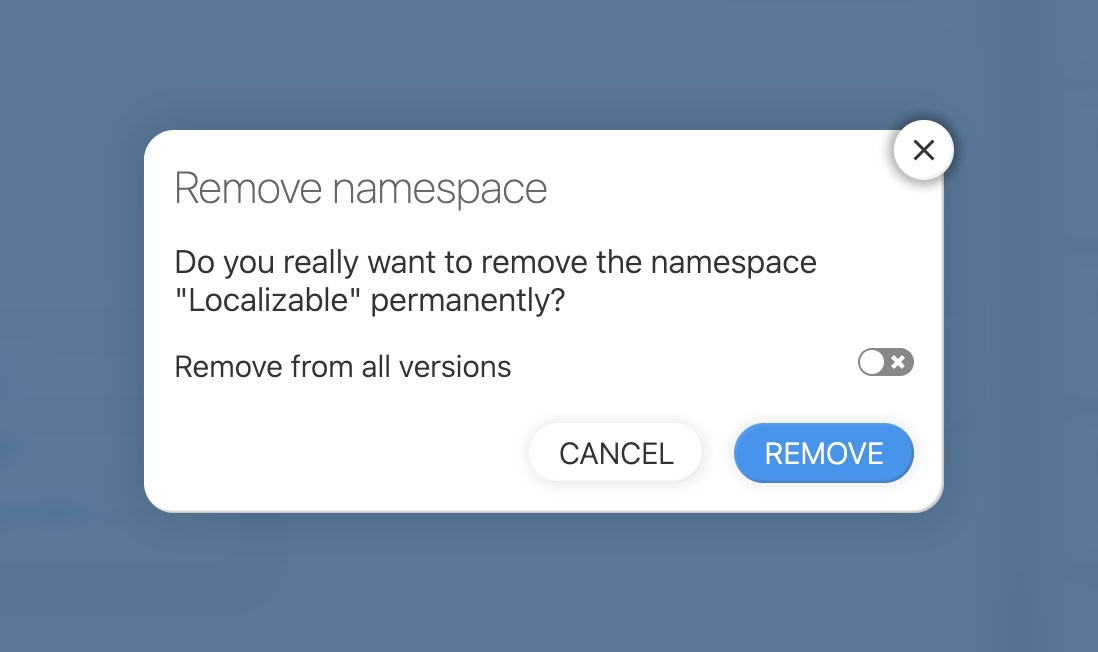
- You can optionally apply this action across all versions of your project.
- Select either DELETE or RENAME, then confirm your choice:
Deleting or renaming a namespace will automatically update all languages in your project to reflect the change. Team members, pending invitations and API keys whose permission is restricted to that namespace follow a rename automatically, and so does a per-namespace AI context configured in the AI provider settings. Renaming a language works similarly, see How to rename a language?
Deleting or renaming a namespace (like any change to the project structure) needs an admin or manager permission without a version, language or namespace restriction, see user management.