The CAT / Translation Editor
The CAT view / Translation Editor acts as an overview of all your segments (all languages, all namespaces).
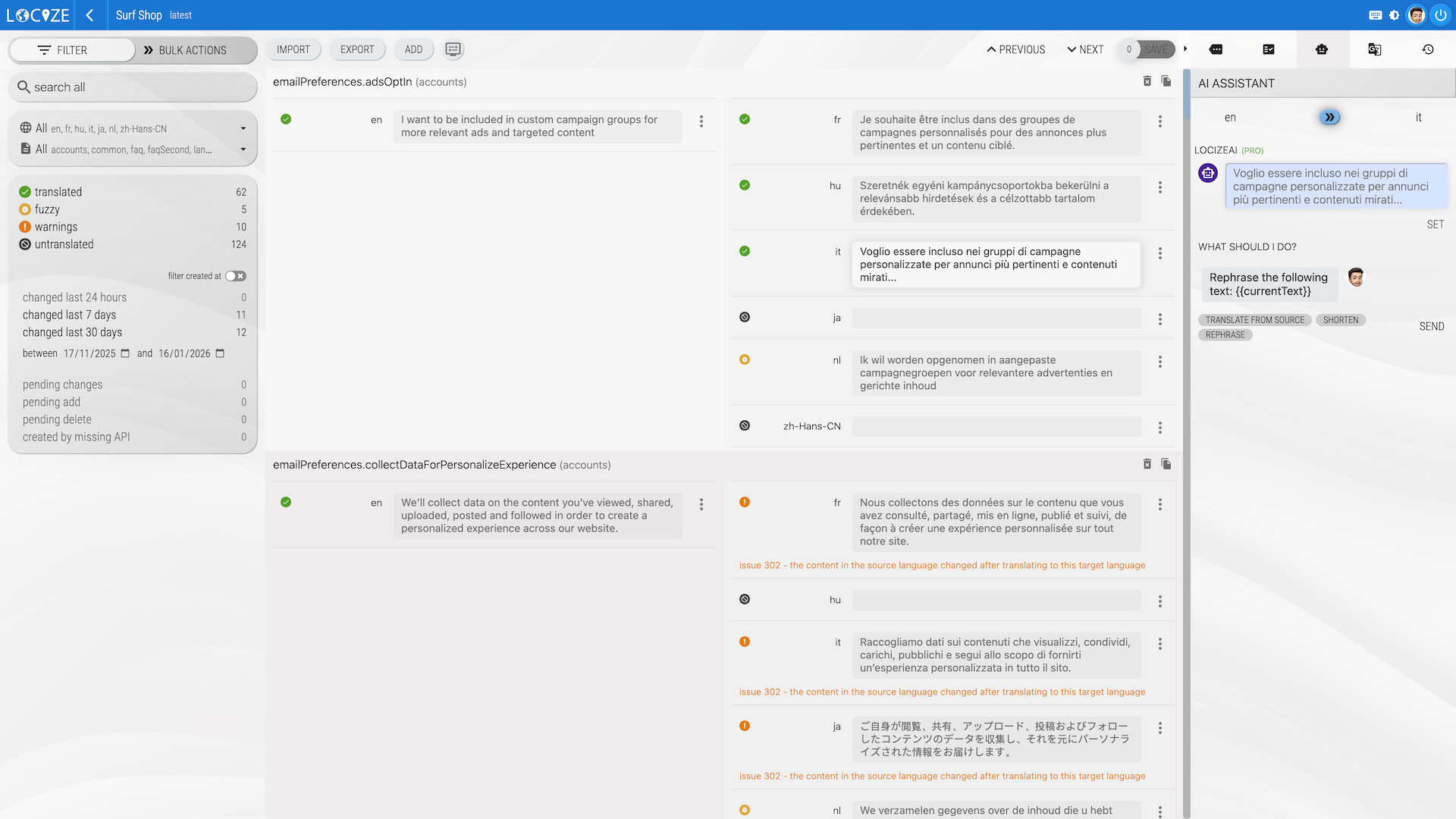
This view is mainly useful to translate your segments and is especially useful to:
- Review your changes before saving with the help of visual diffs
- Accept/reject pending reviews
- Import/Export translations in various formats
- Translating "simpler" segments directly without using the CAT view / Translation Editor
- Search/Filter your translations (fyi: translations marked as needing review come from machine translation or AI, from a changed source text, or were marked by hand)
Bulk actions
By clicking on the arrows icon (BULK ACTIONS), you can switch from the filter section to the bulk section:
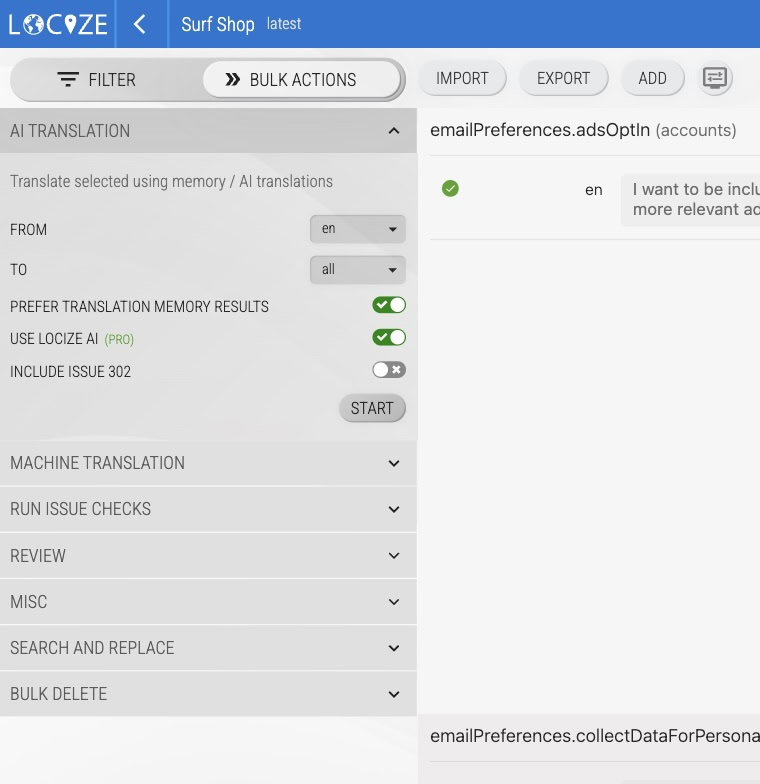
This bulk section is mainly useful to do these actions:
- Bulk translating your content using your translation memory or machine translations (like Google Translate or DeepL) or generative AI translations (like Open AI, Gemini, Mistral AI or Lara)
- Translation can also be configured to be done automatically. To know more have a look at this.
- Run issue checks
- Set/Unset tags
- Search and replace text
- Delete translations
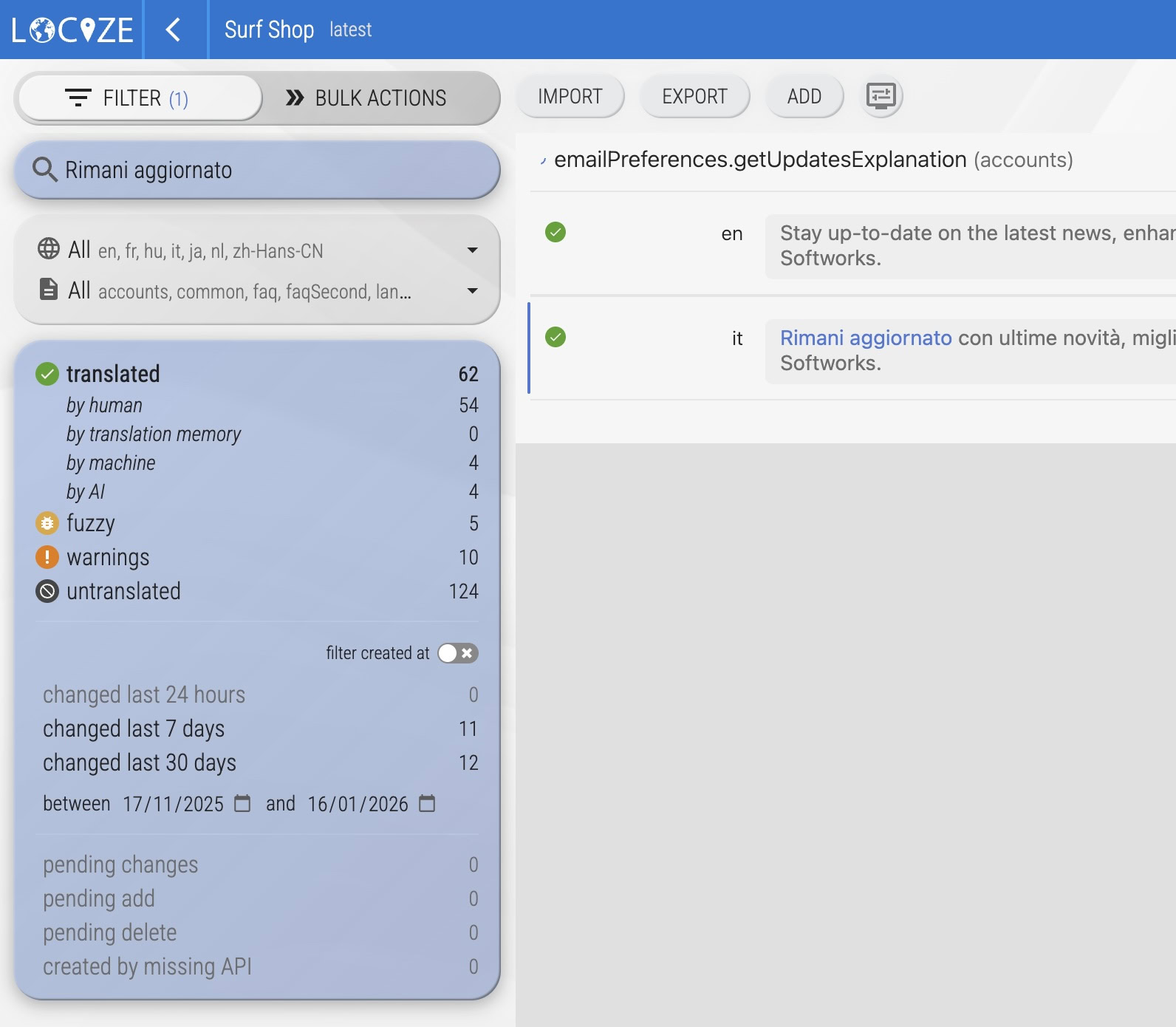
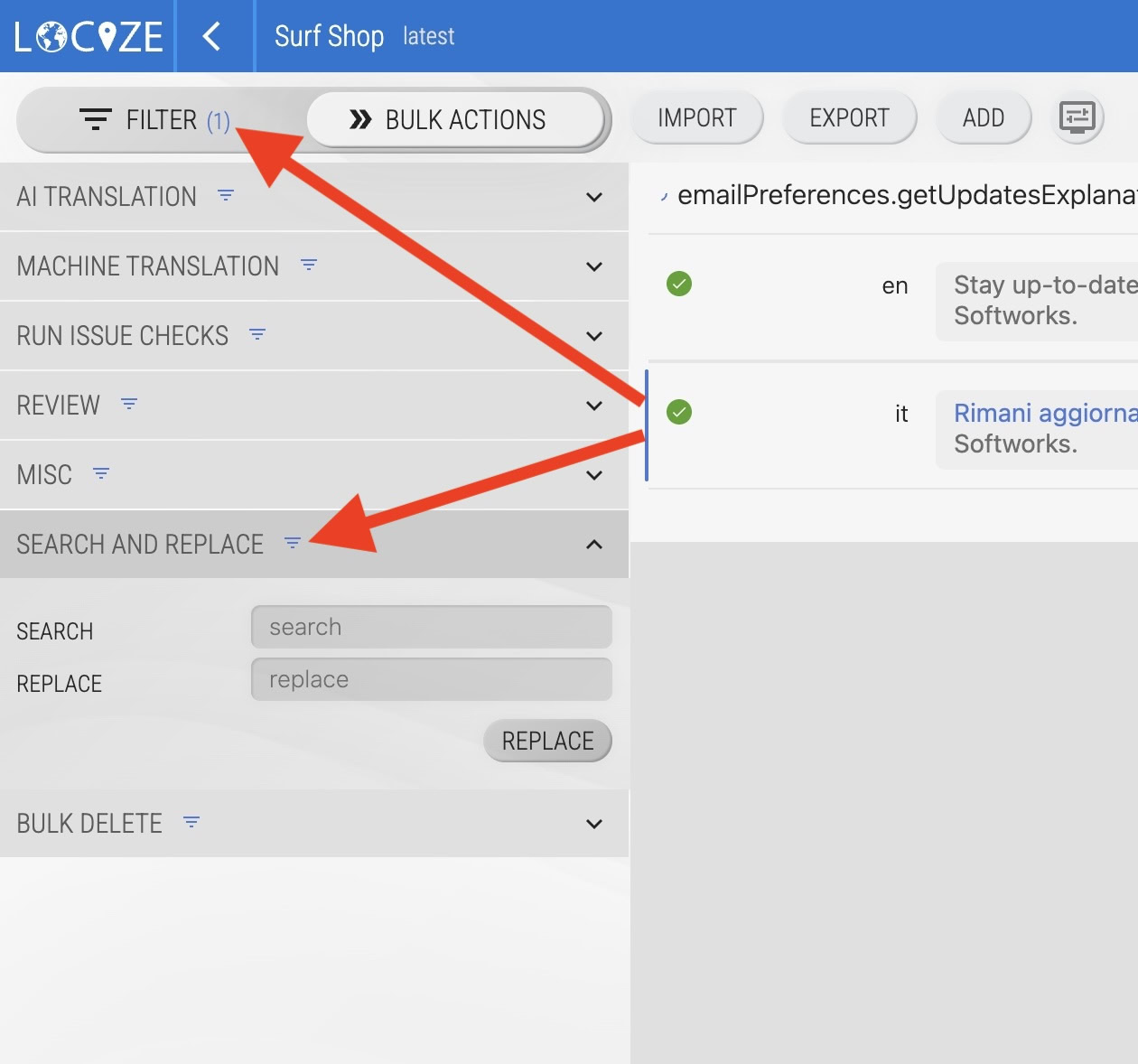
These bulk actions are always applied based on your current filter/search criteria, so if you have no specific filter/search criteria it will be applied on the whole project (version). If a filter/search is "active", you'll see the matched segments number between arrows and this filter icon near the bulk actions: