
Slack
Stay up to date with your Locize project by receiving real-time notifications directly in your team’s Slack channel. This helps your team react quickly to important localization events and collaborate more efficiently.
What Events Are Notified?
All events listed in the Webhook Event Types table are supported and will trigger Slack notifications.
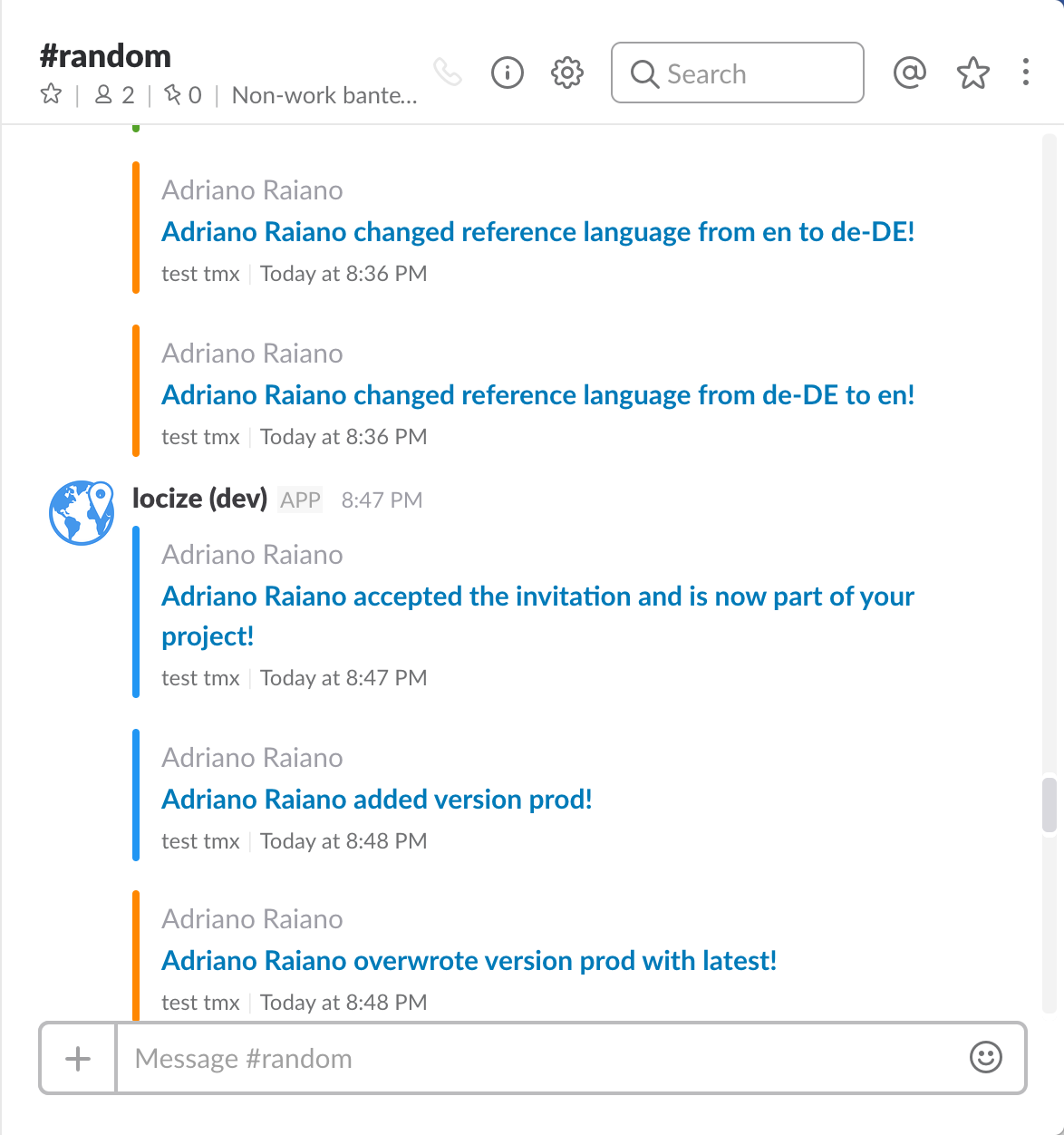
How to Enable Slack Notifications
-
Go to your project’s Settings in Locize.
-
Open the API, CDN, NOTIFICATIONS tab.
-
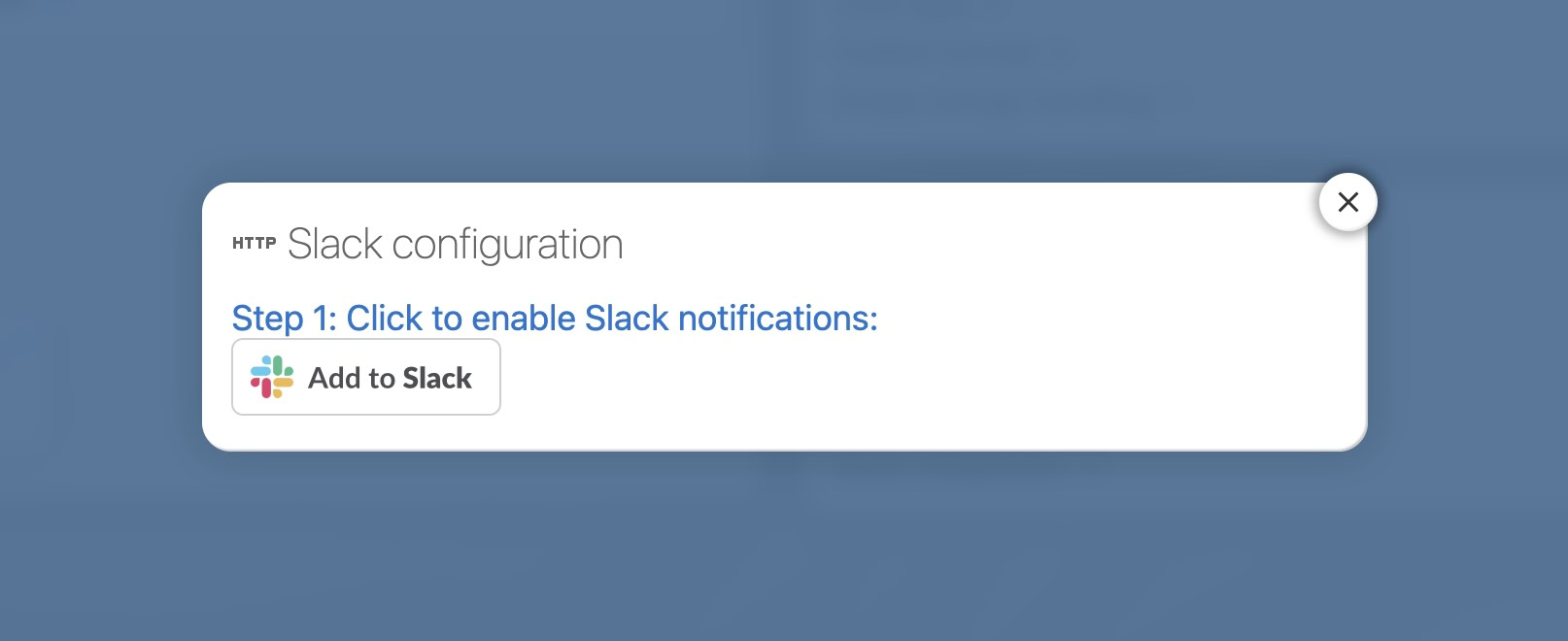
In the Notifications card, enable the Slack integration:
-
Choose the Slack channel where you want to receive notifications:
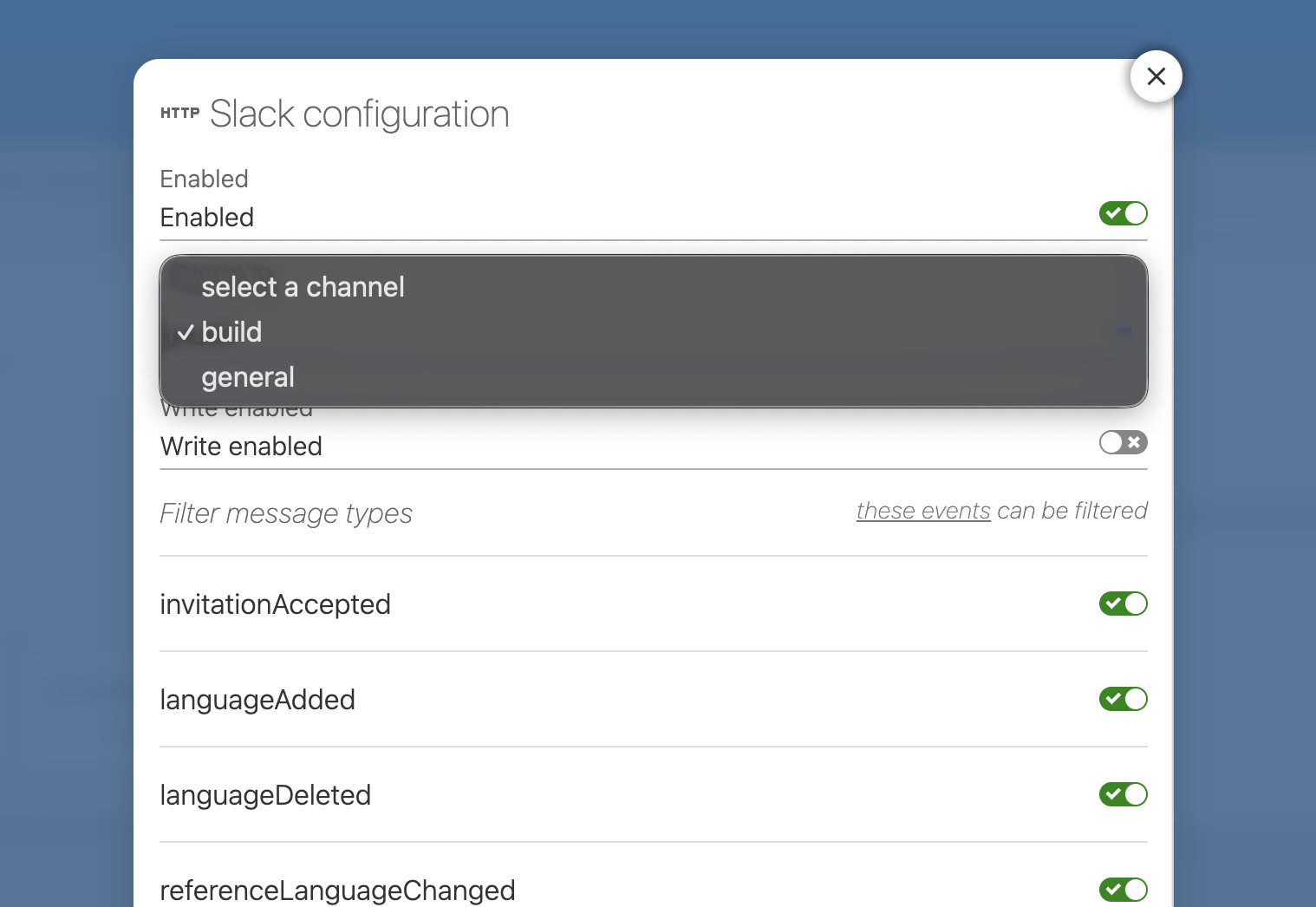
Tip: To select a private channel, add the Locize Slack user to that channel first.
Using Slack Slash Commands
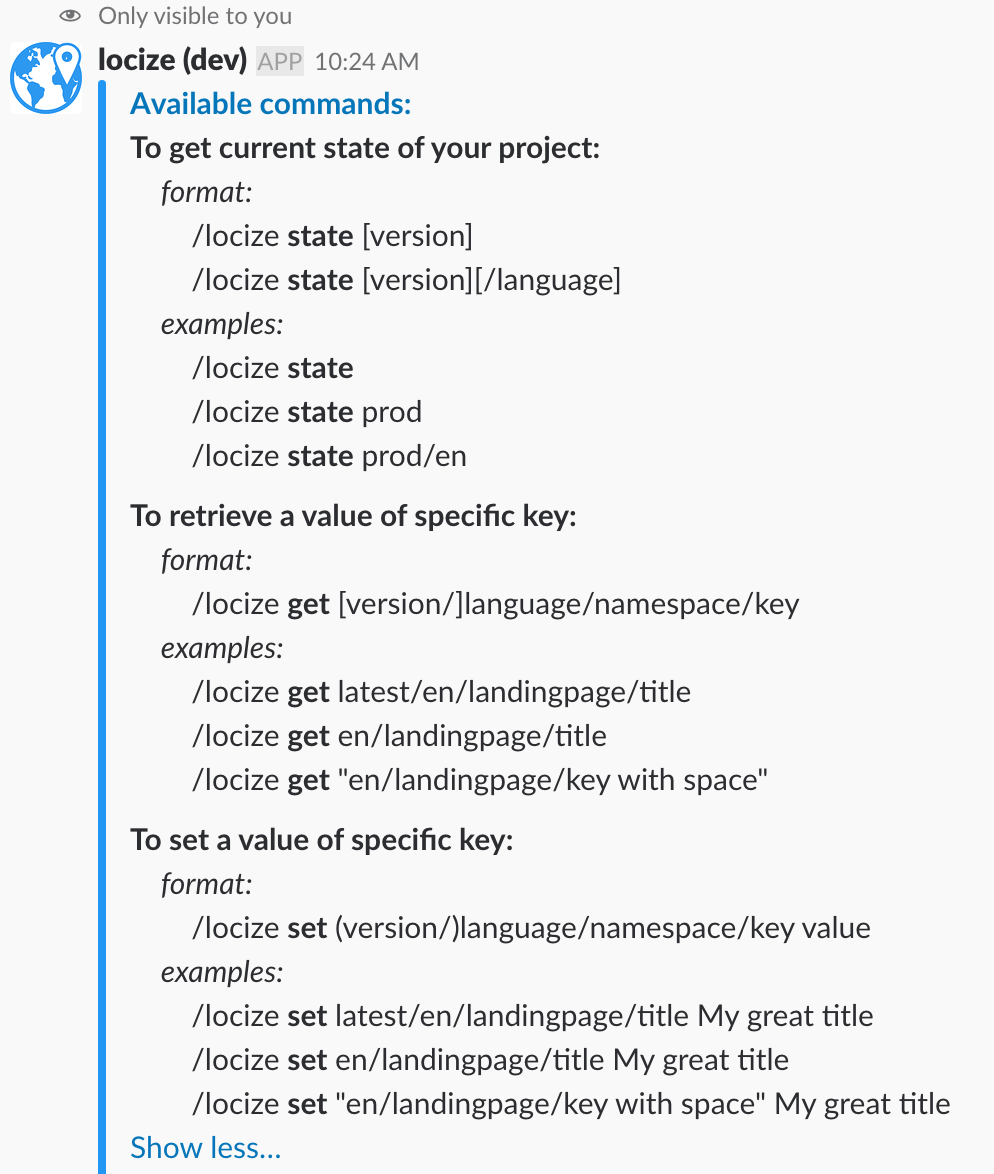
You can also interact with Locize from Slack using slash commands. Try /locize help to see all available options.
For more details, visit the Locize Slack App Directory.