Add content
You are a developer and like to integrate Locize directly to your app?
There are a few options to integrate Locize into your code base:
Example with the cli (migrate command)
smart_display
YouTube Video
This video is hosted on YouTube. Accept YouTube cookies to watch it here.
upload content part of showcase/demo
You got some files you like to import or want to add some segments manually?
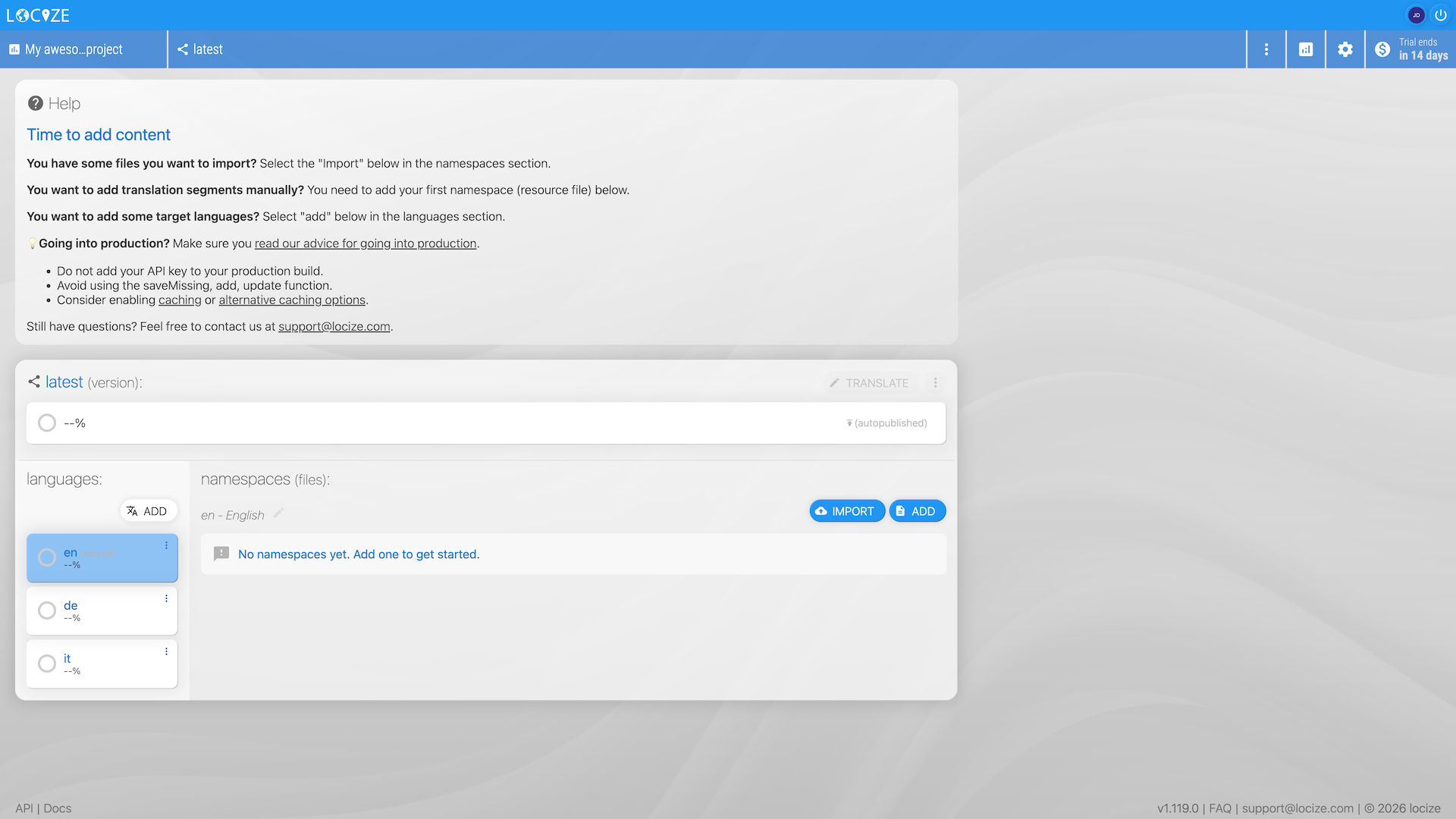
By default a "latest" version is created for your project.
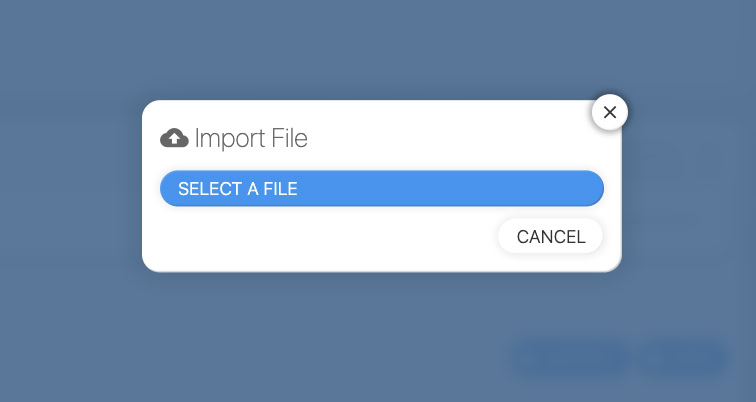
You got some files you like to import?
Add languages
Make sure to add all desired languages. Also new languages can be added here.
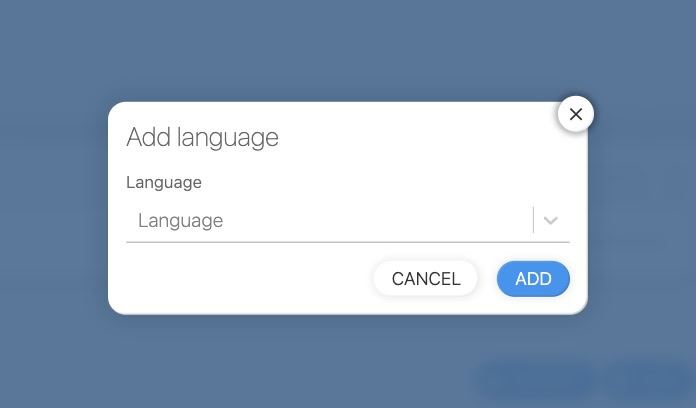
Alternatively, you can navigate to your settings page...
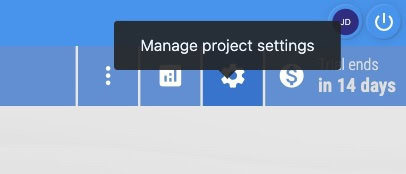
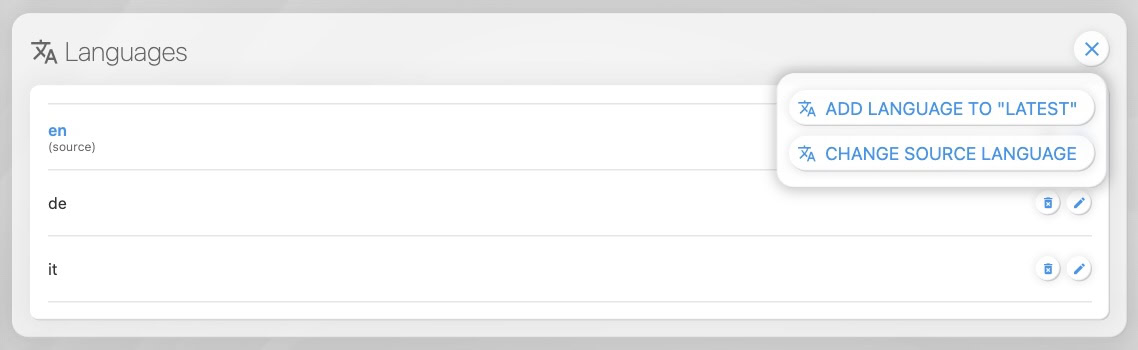
You can also add a new language via the API.
You want to add translation segments manually?
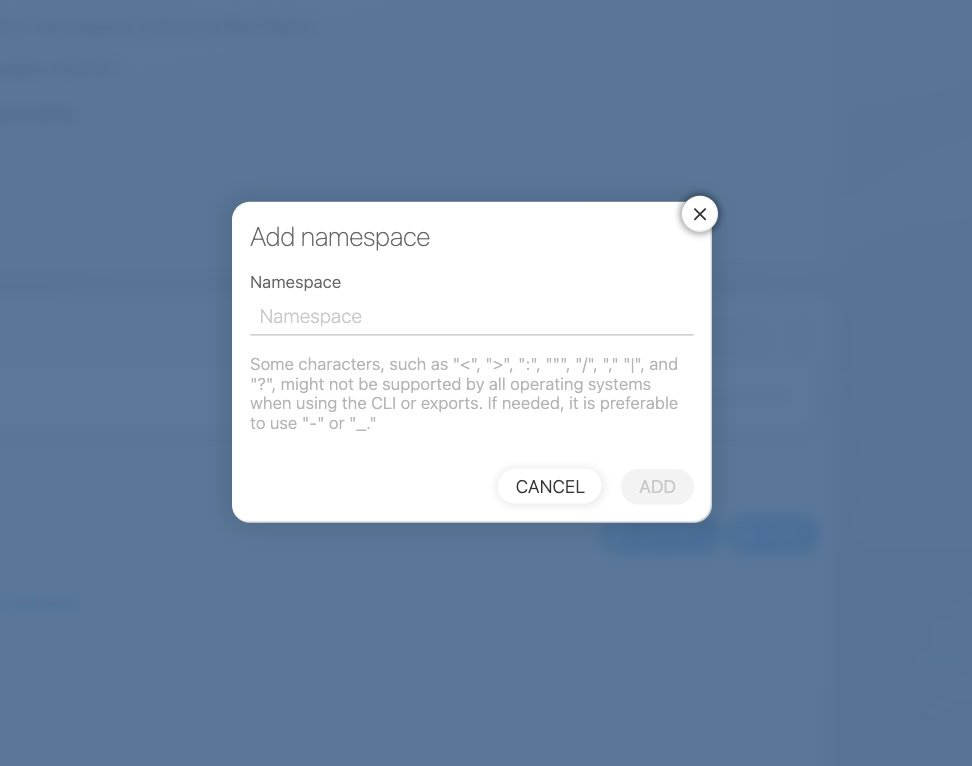
Like before, you can add new namespace from your project overview or via settings page.
Now click on the created namespace or click the "Translate" button.
You can open the namespace in the "CAT View / Translation Editor".
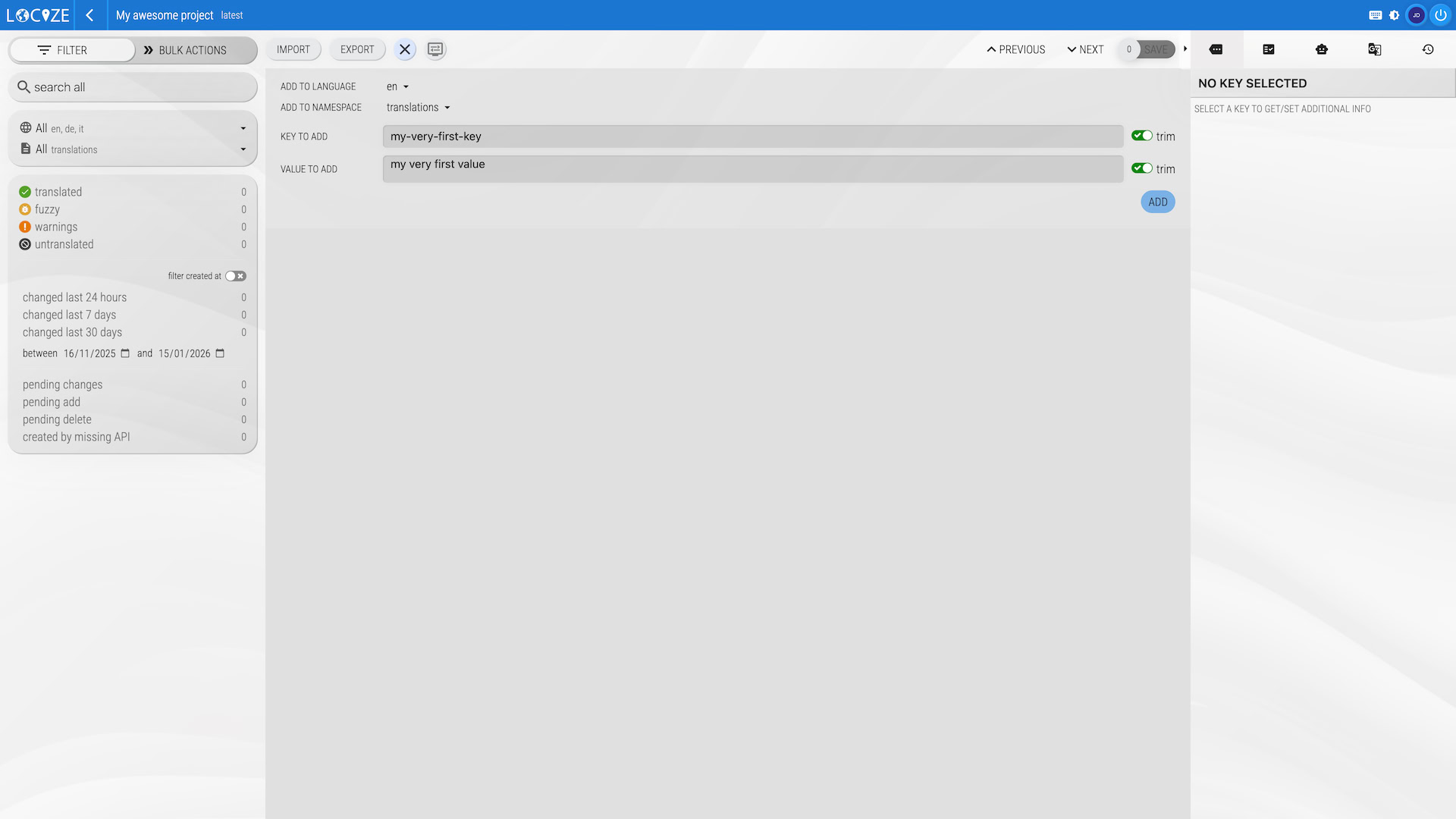
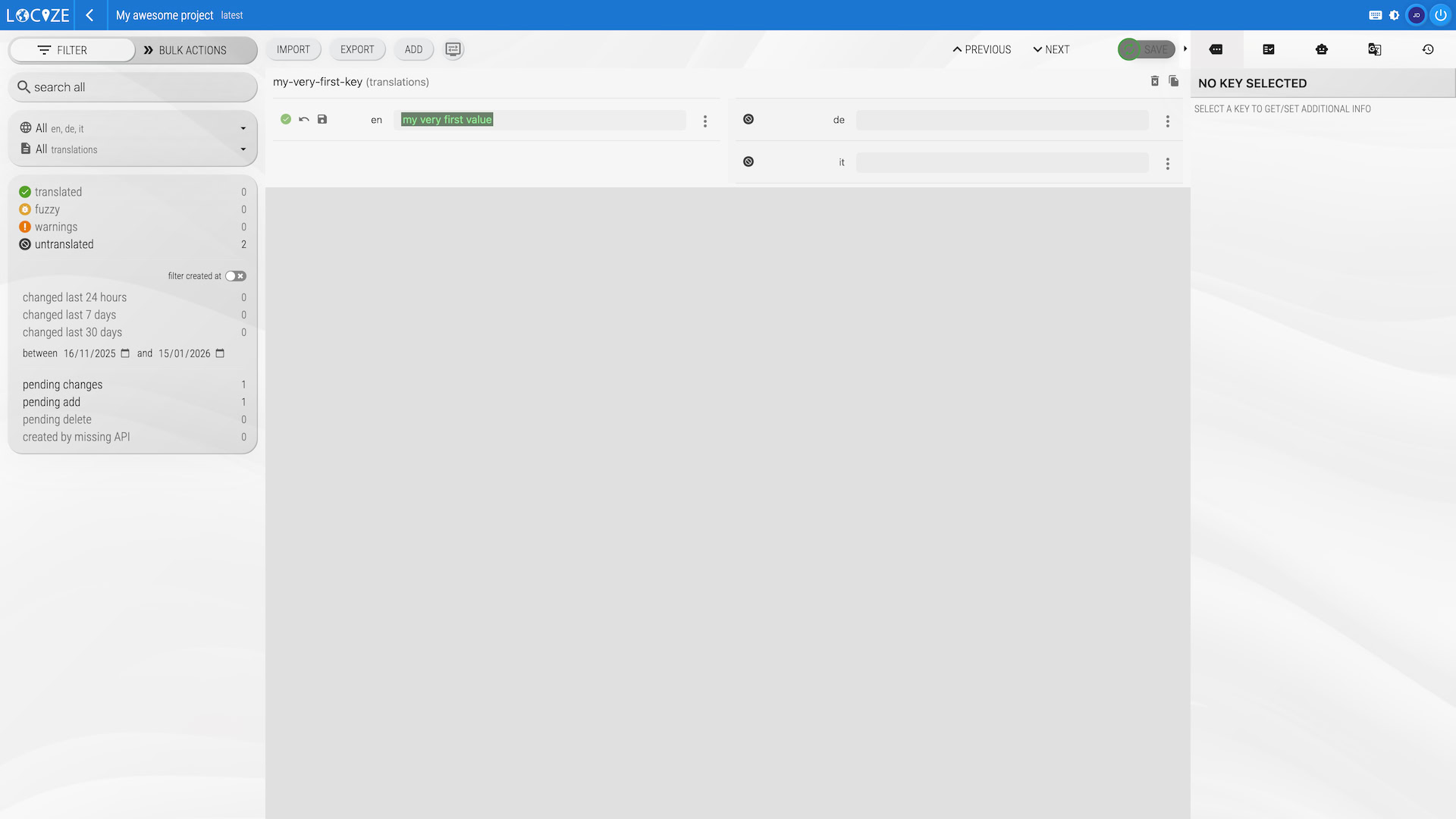
To add a new segment/text click the ADD button. Enter a segment key and a segment value and click ADD.