
Add a new project
smart_display
YouTube Video
This video is hosted on YouTube. Accept YouTube cookies to watch it here.
Watch the Getting Started video for a quick overview, or see the above showcase/demo video for more details.
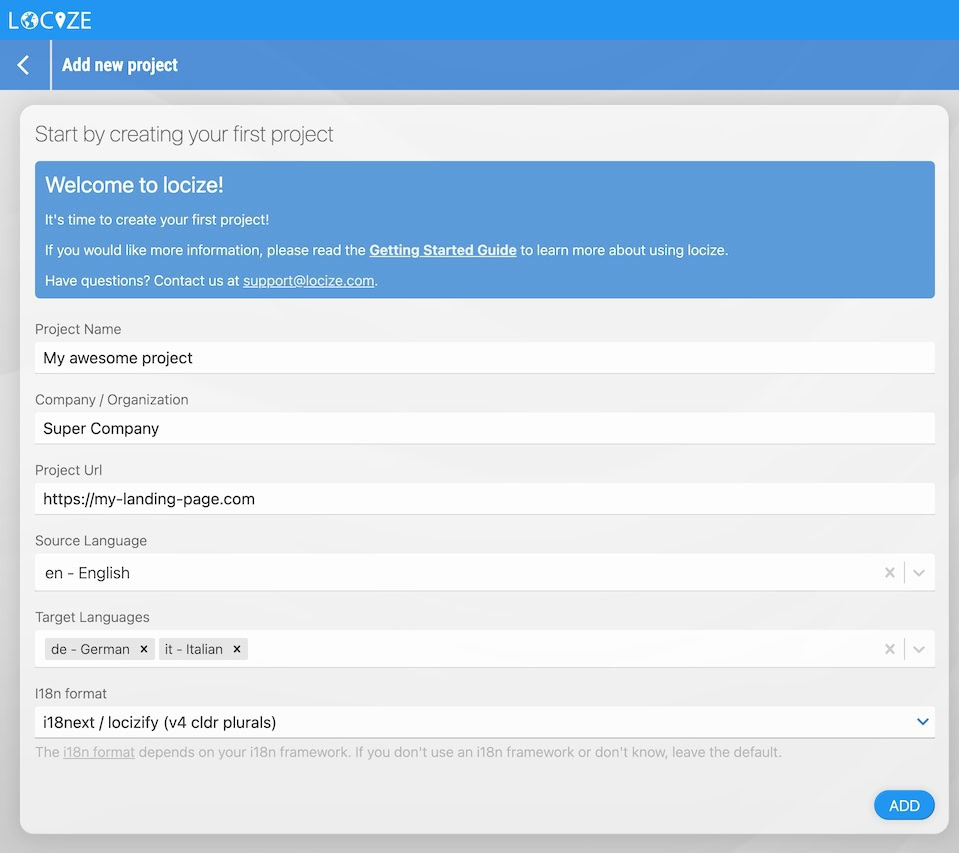
To get started, enter at least:
- Project name
- Company name
- Source language (the language you translate from; it can be changed later)
You can adjust other settings as needed.
Note: The i18n format depends on your i18n framework. If you're unsure or not using a framework yet, just keep the default option.