
How to search
Efficiently finding the right translations is key to managing your localization workflow. Locize offers powerful search features in the CAT (Computer-Assisted Translation) view / Translation Editor, making it easy to locate, review, and update your content.
The search looks at the key names and the translation values of the loaded segments. Combine it with the other filters (language, namespace, state, tags, dates) to narrow the list further.
1. Default Search
By default, Locize lists every segment whose key or value contains the text you enter (not case sensitive).
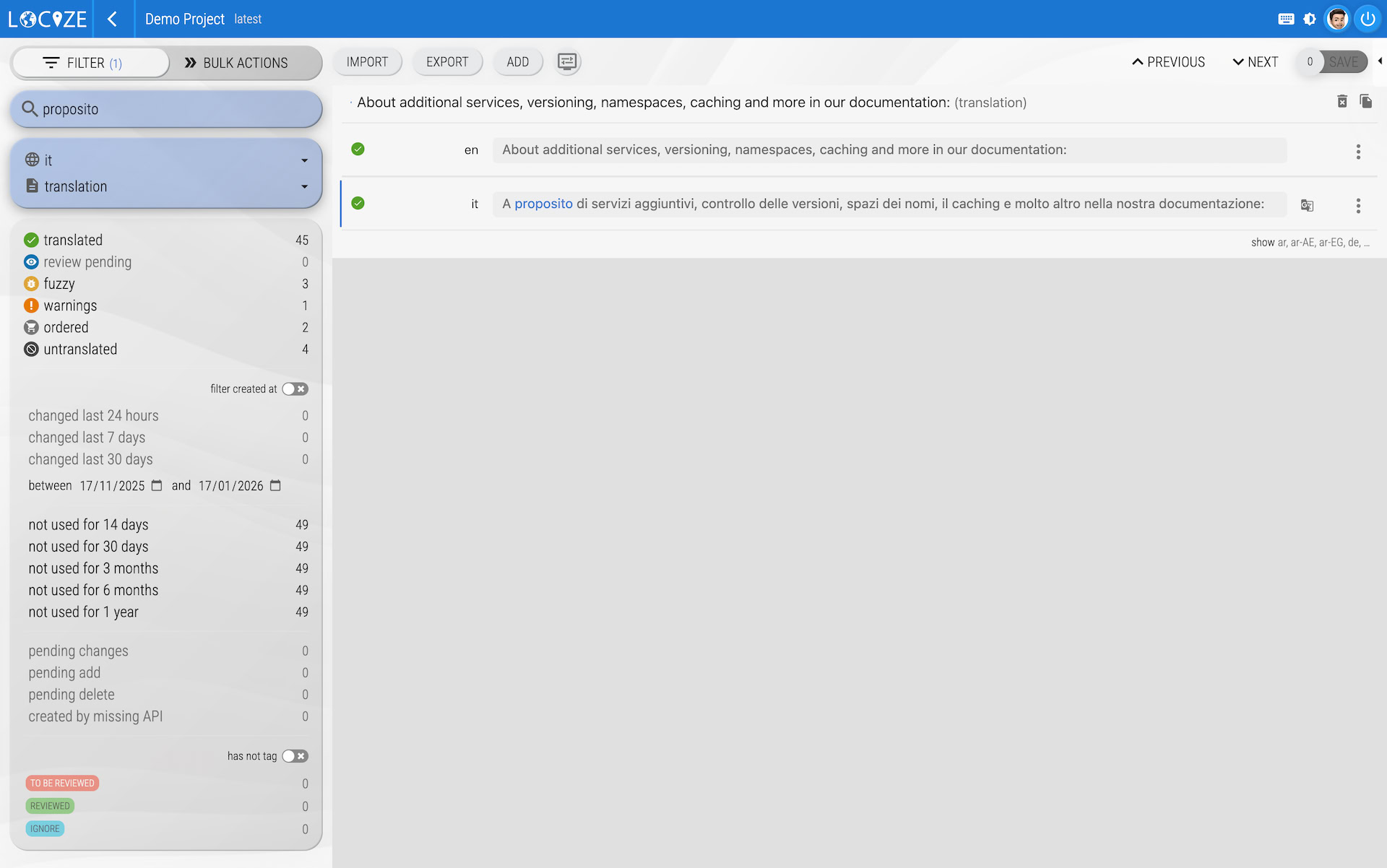
If nothing contains your text, a fuzzy search will automatically be performed, unless your search text is wrapped in double quotes (
"...").
2. Fuzzy Search
If your search term does not match any entries, Locize will try to find similar results automatically (fuzzy search). This helps you find translations even if you’re unsure of the exact wording.
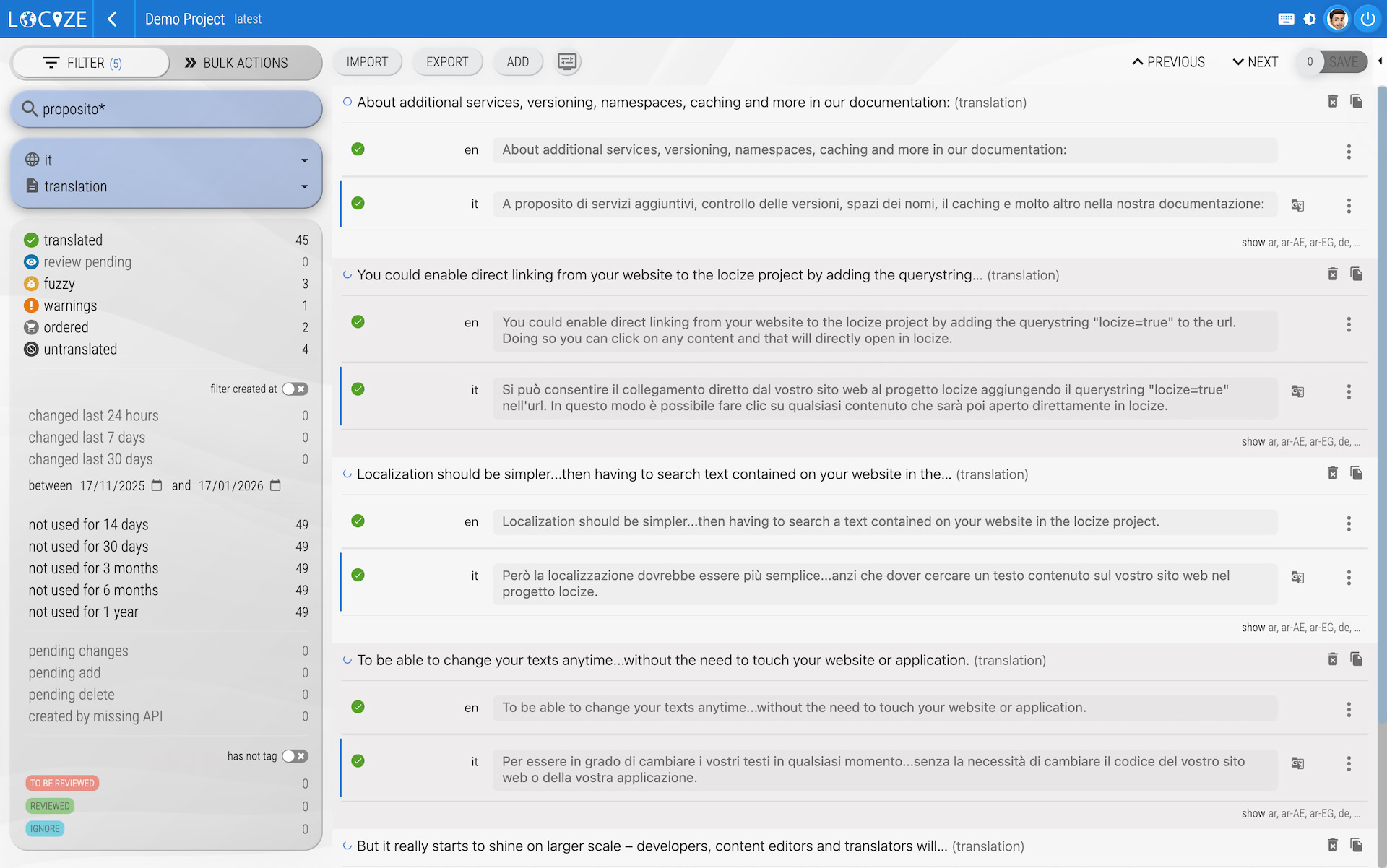
To force a fuzzy search, add an asterisk (*) at the end of your search term. This will broaden the results to include similar entries.
3. Quoted Search (Strict)
If you want to search for a phrase and avoid fuzzy results, wrap your search text in double quotes ("..."). Only segments containing that text are returned, nothing similar.
4. Exact Key or Value ([...])
Wrap your text in square brackets to match a whole key or value, not just a part of it: [greeting] finds the key greeting (with the plural or context forms grouped under it, depending on your i18n format) or a segment whose value is exactly greeting, but not greetings. This is the form to use when you know the key.
Where Can I Search?
This search behavior works in the CAT view / Translation Editor, making it easy to find translations wherever you are working.
Tips & Best Practices
- Use the default search to find text inside keys and values.
- Add an asterisk (
*) for broader, fuzzy matches. - Use double quotes for strict phrase searches without fuzzy results.
- Use square brackets (
[...]) when you know the exact key or value. - Try different keywords if you don’t find what you’re looking for.
For more details on managing translations, see the CAT view / Translation Editor documentation.