2-factor authentication with Yubikey
Add an extra layer of security to your Locize account by enabling Yubico Yubikey as a second authentication factor. Yubikeys are hardware security keys that provide strong, phishing-resistant authentication.
Prerequisites
- A Yubico Yubikey
- A valid Locize user account
How to register a Yubikey
- Open the corner menu (your avatar).
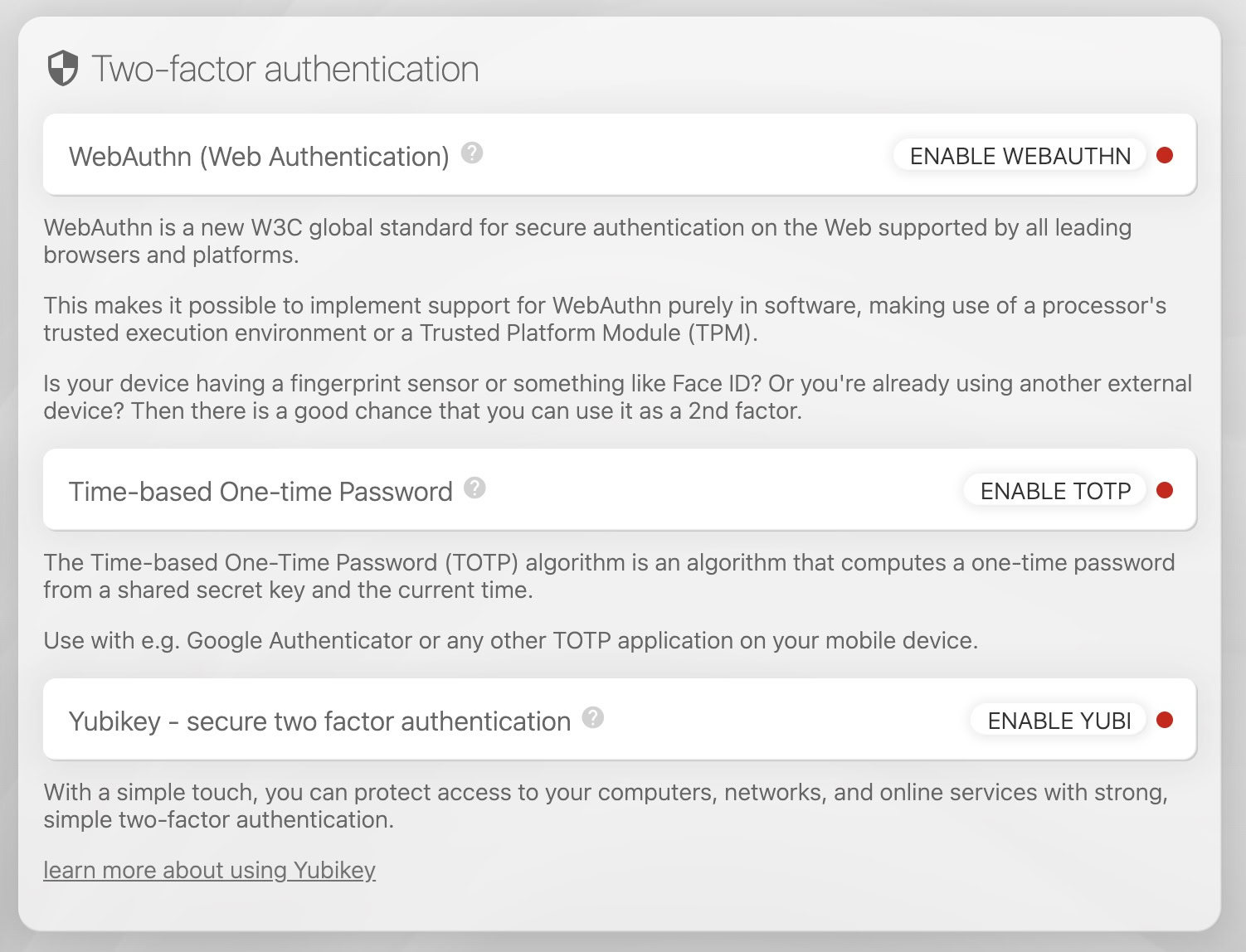
- In the Two-factor authentication card, click "ENABLE YUBI".
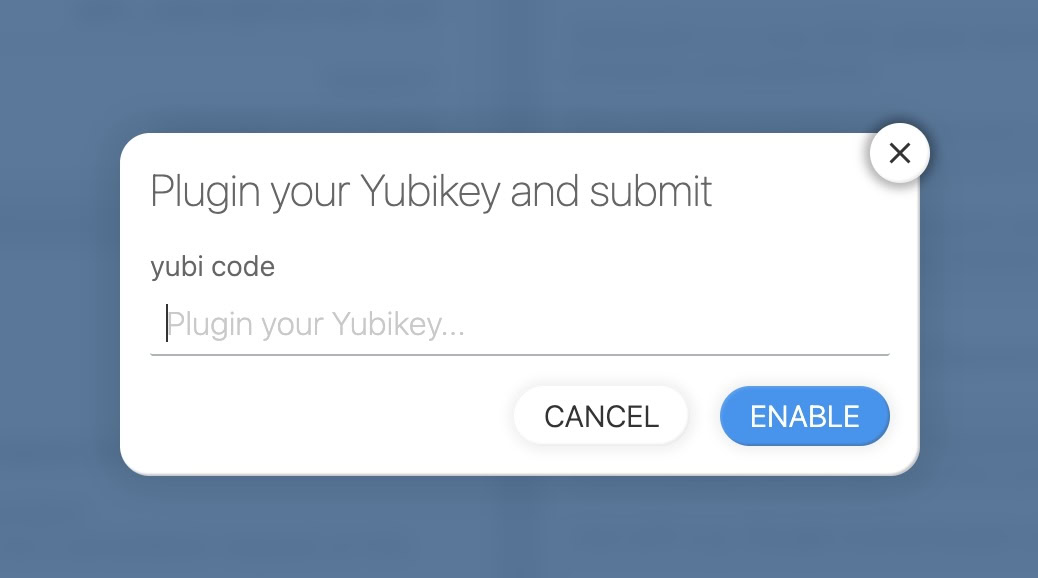
- Insert the Yubikey into your workstation and touch or press the Yubikey button to inject the Yubikey ID.
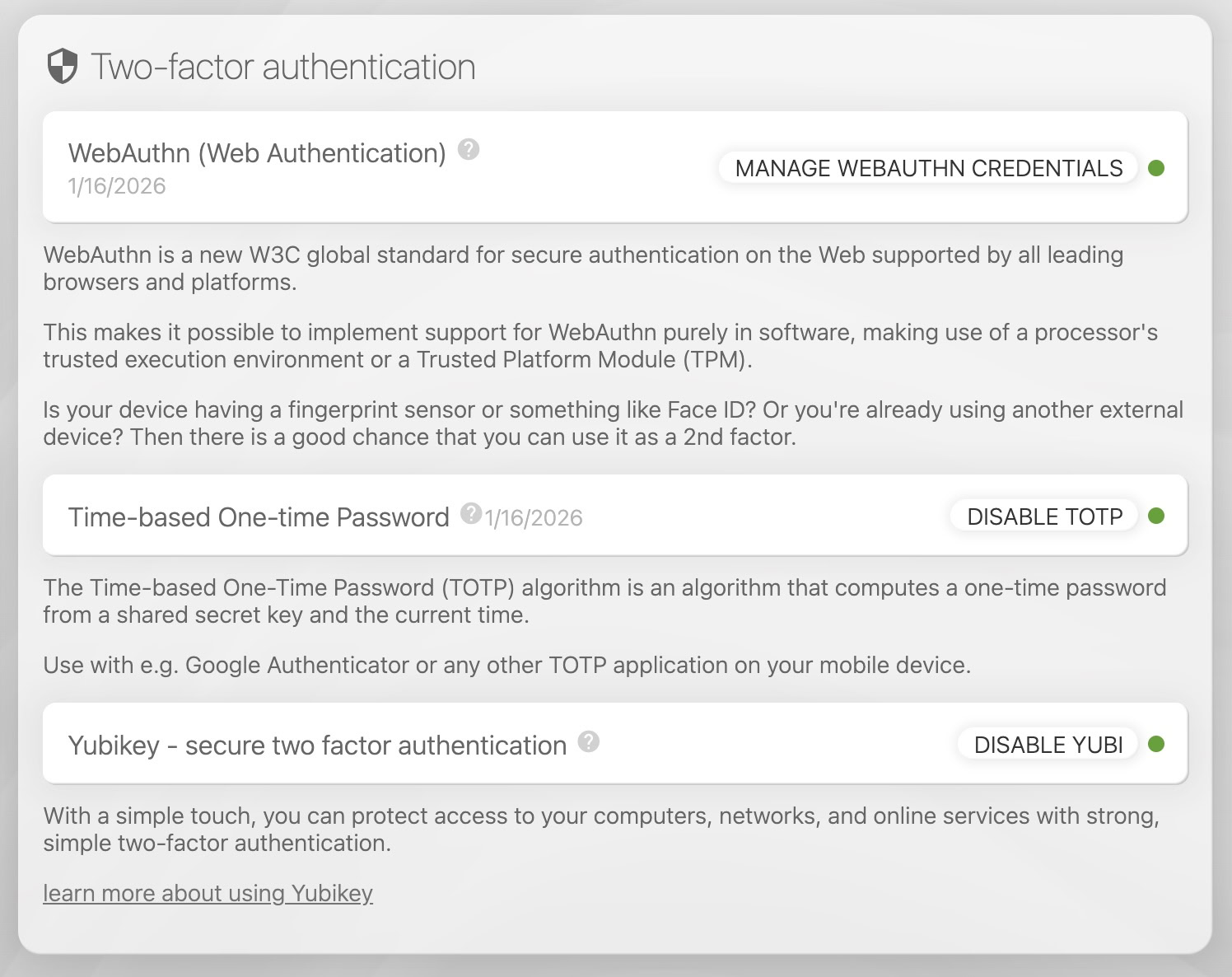
- If successful, you will see a green circle.
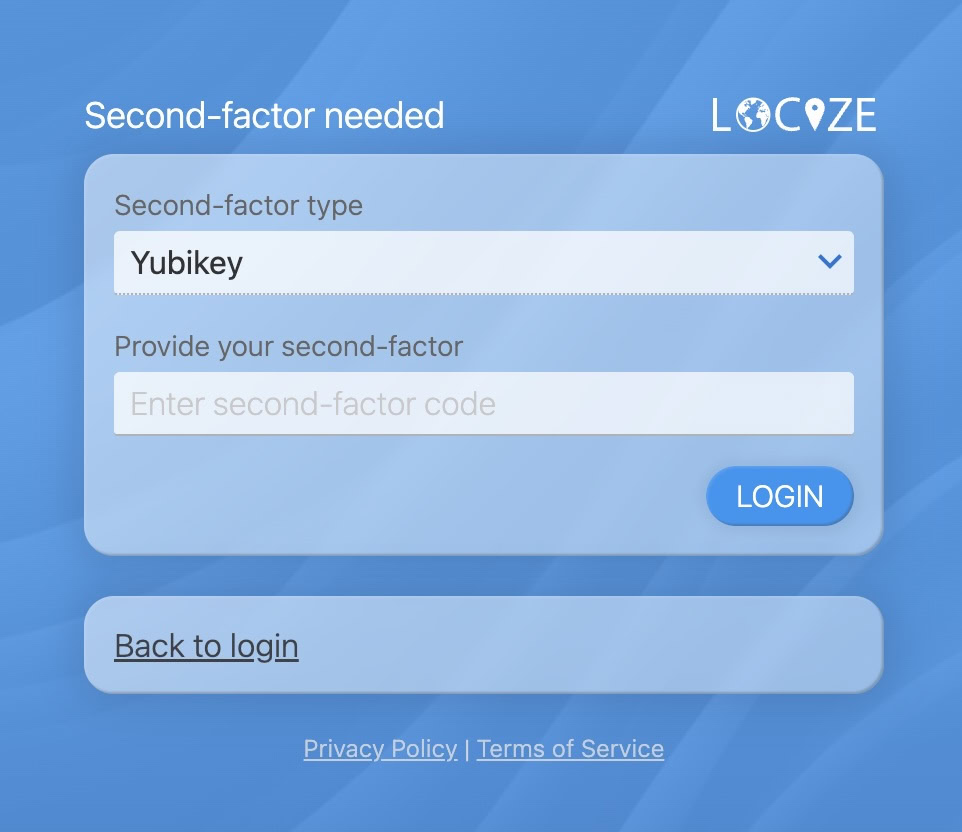
- On future logins, you will be prompted for the Yubikey Security Code.
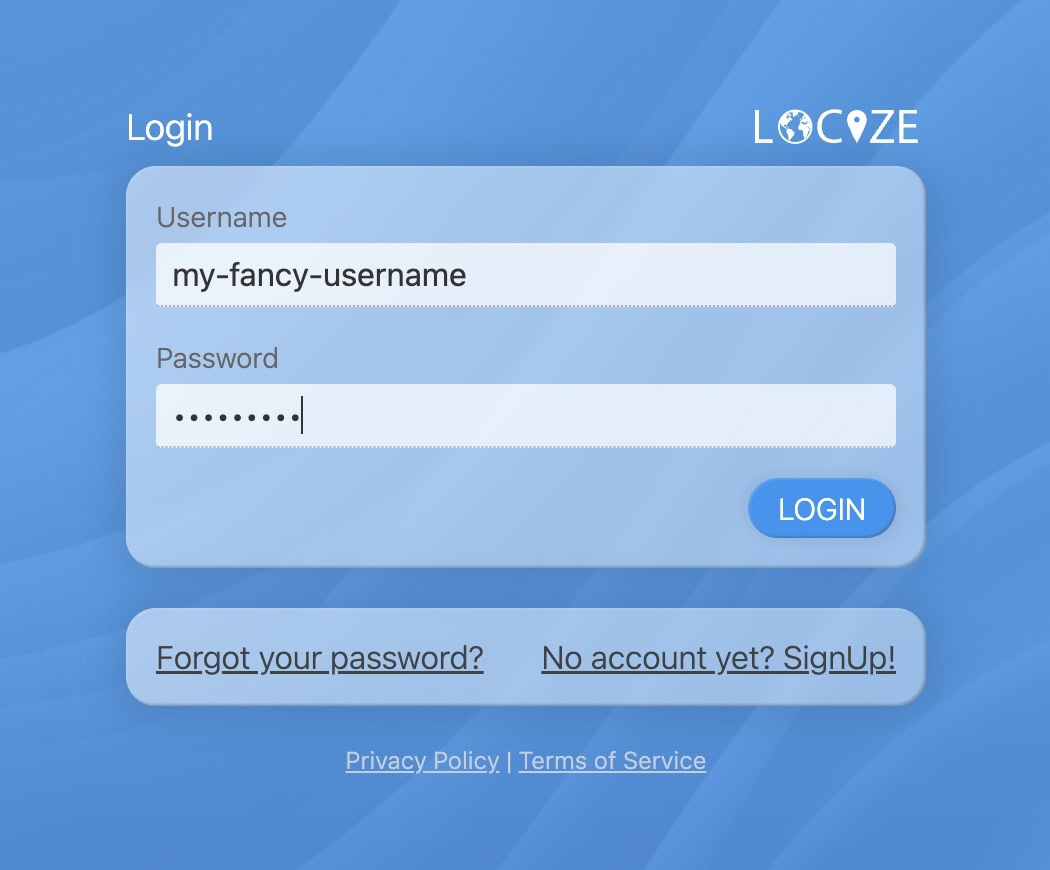
- Insert the Yubikey and touch or press the button to inject the security code.