2-factor authentication with TOTP
Enhance your Locize account security by enabling Time-based One-Time Password (TOTP) as a second authentication factor. TOTP provides an extra layer of protection by requiring a code from an authenticator app in addition to your password.
Prerequisites
- A smartphone or tablet with an authenticator app, such as:
- A valid Locize user account
How to enable TOTP
- Open the corner menu (your avatar).
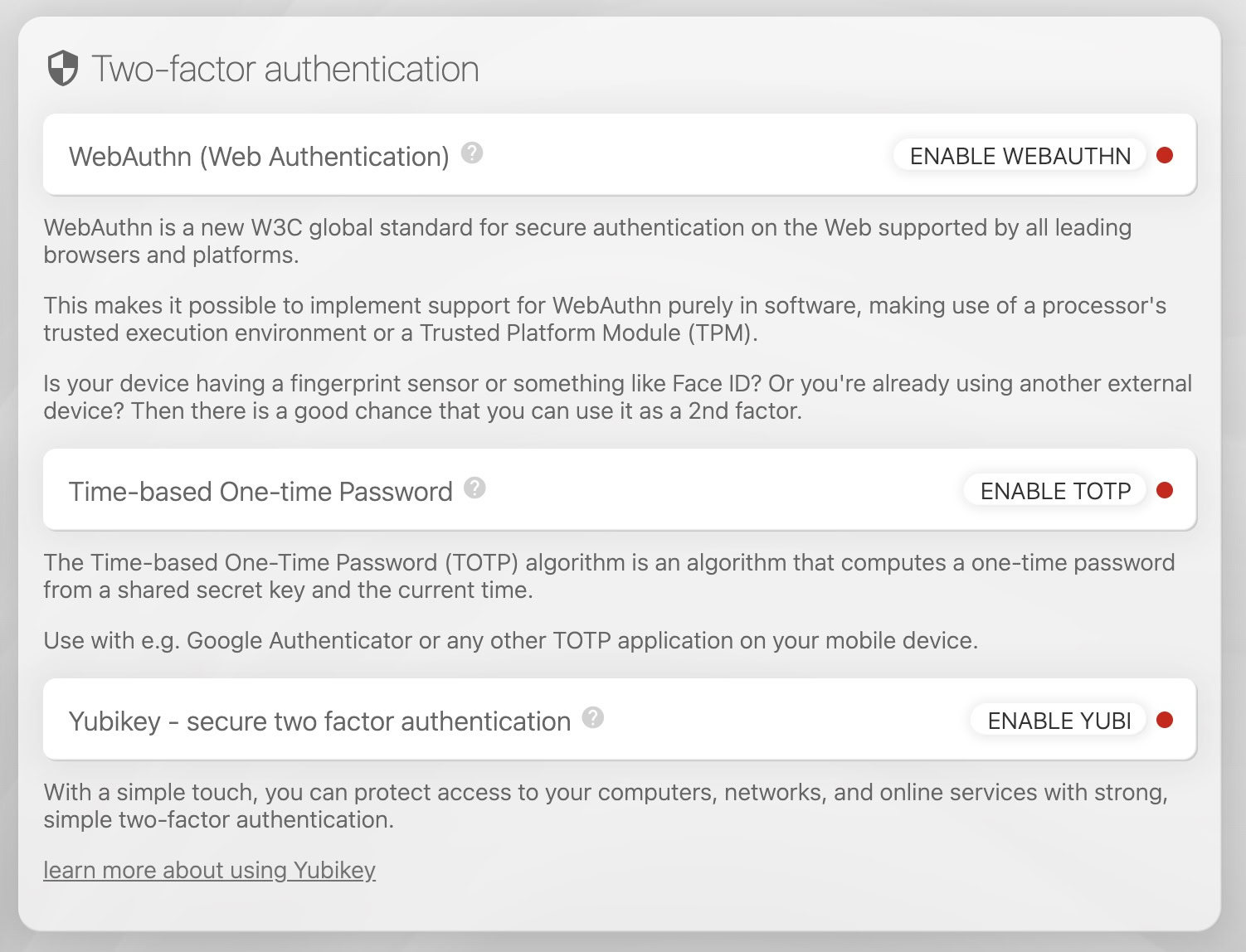
- In the Two-factor authentication card, click "ENABLE TOTP".
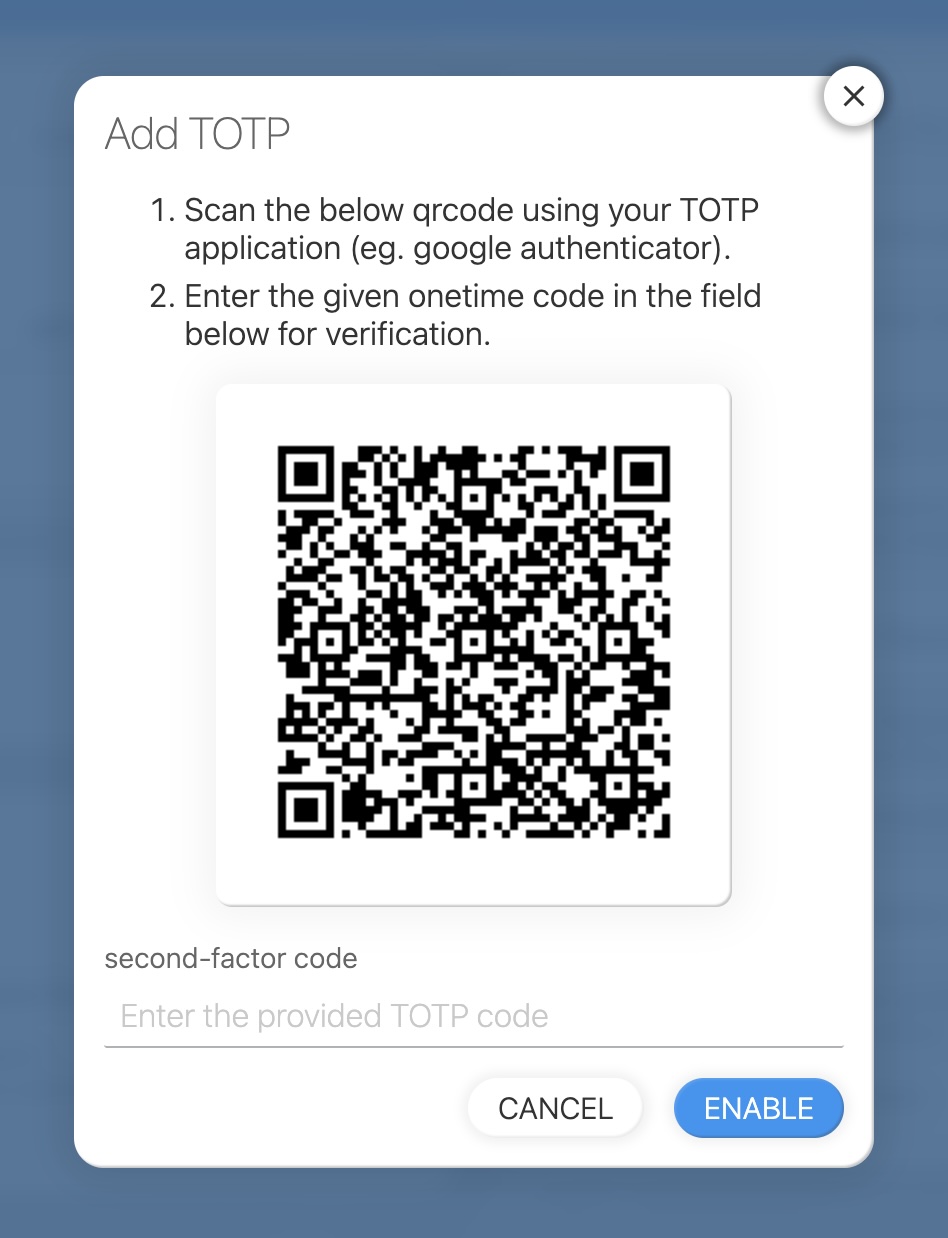
- Scan the QR code with your authenticator app and enter the generated code.
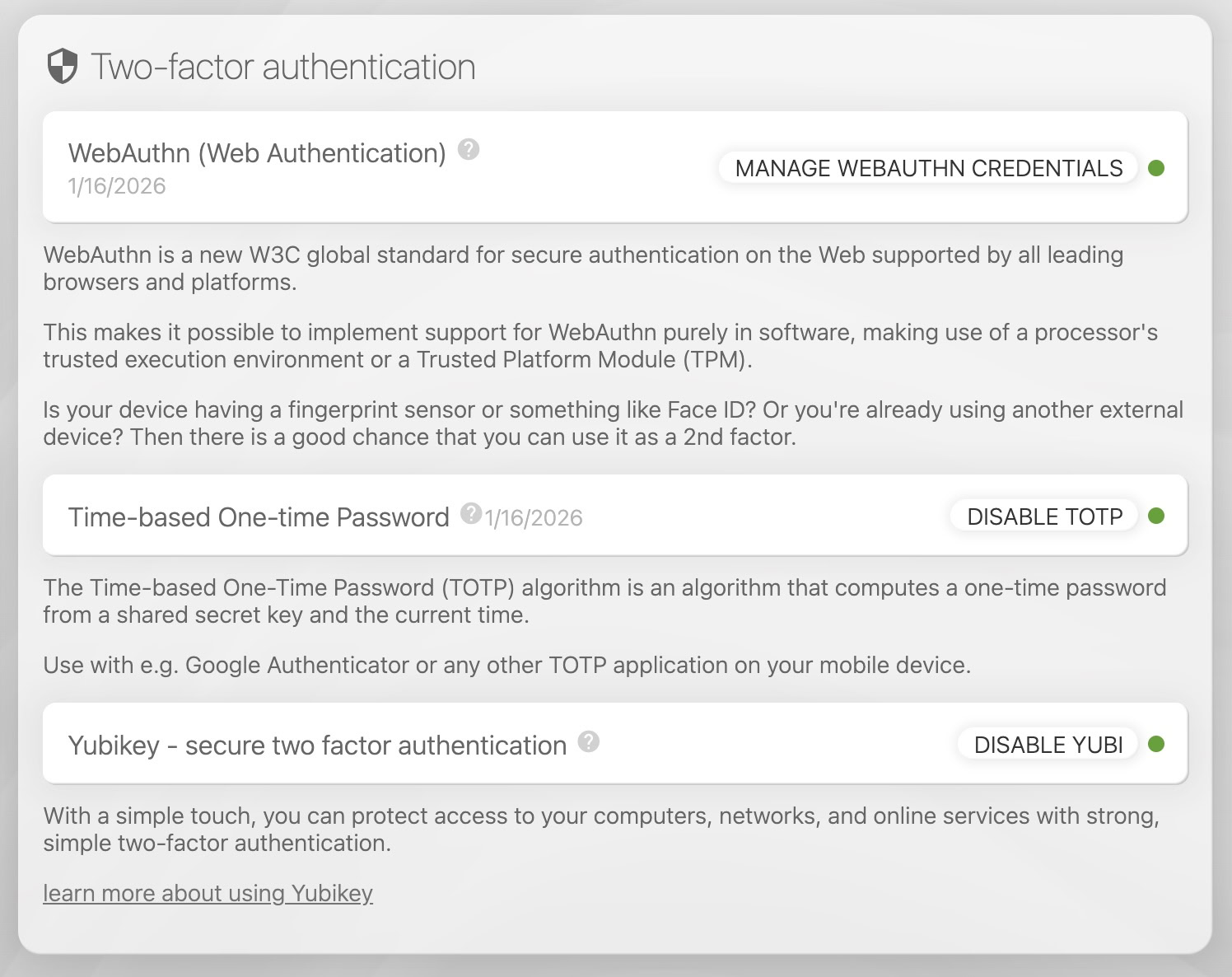
- If successful, you will see a green circle.
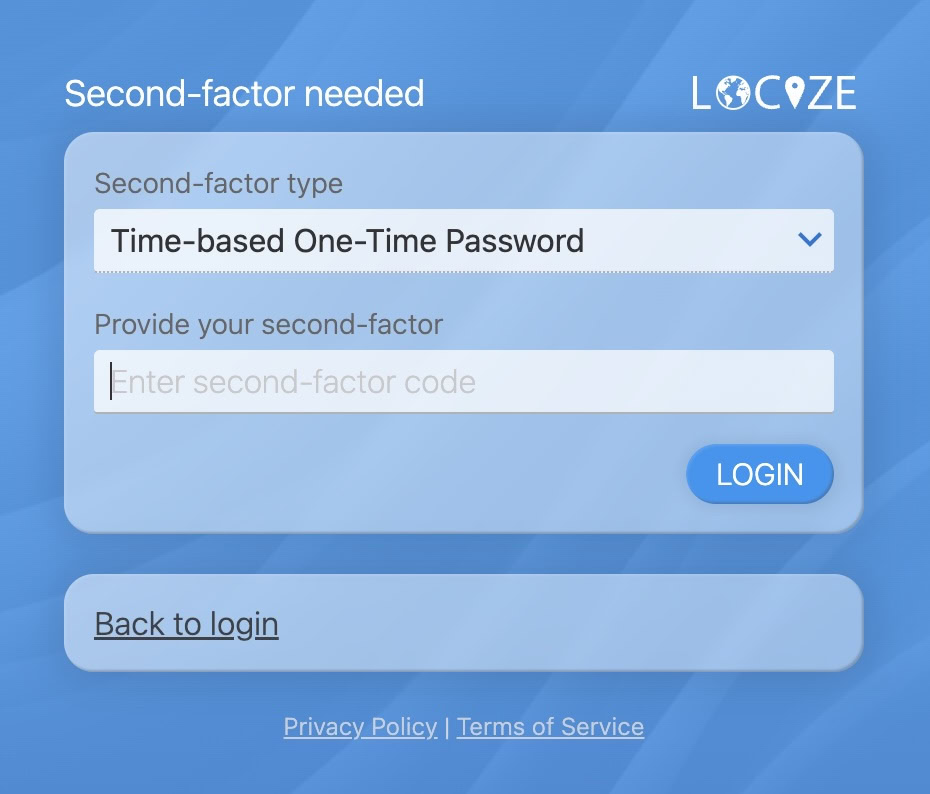
- On future logins, you will be prompted for the TOTP code.
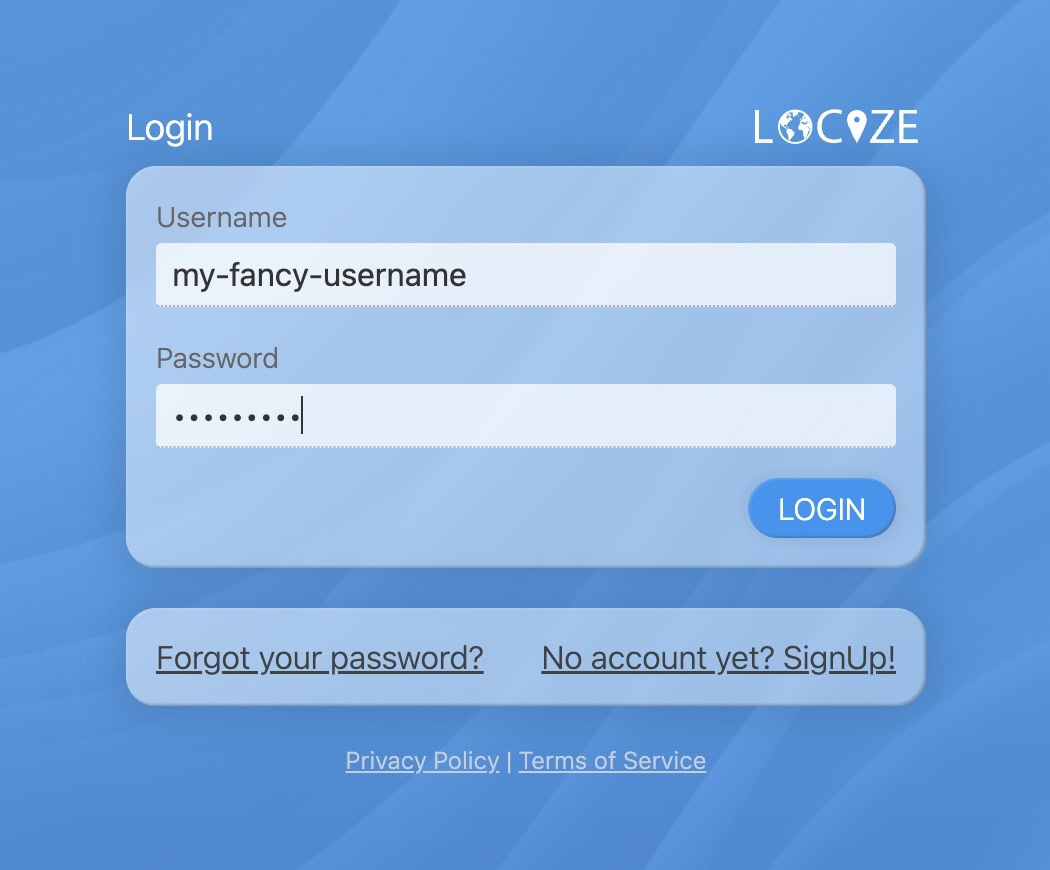
- Enter the code from your app and click LOGIN.